Automated Sigma Computing Workbook Export
Every Monday, WebRun opens your tracked Sigma workbook, reads the current values on its key tables, exports them into a Google Sheet stakeholders can filter without a Sigma seat, and emails a short summary of what moved over Gmail.
How do I export Sigma Computing workbook data automatically?
WebRun reads your tracked Sigma workbook every Monday, exports the current numbers on its key tables into a Google Sheet, and emails stakeholders a short summary of what moved over Gmail. Teams using Sigma for warehouse native BI can share the numbers with anyone, seat or no seat, without exporting anything by hand.
- Stakeholders see the numbers without needing a Sigma seat
- A plain spreadsheet history builds up automatically
- A short summary flags what moved most each week
Built for BI teams · data analysts · finance and ops stakeholders
What does WebRun do on every run?
The exact actions WebRun takes, in order - in plain language, so you can adjust anything.
-
WebRun signs in and gets to work
Opens
app.sigmacomputing.comin a real browser with your saved login - no setup, no API keys. -
1
Sigma Computing - read the workbook's key numbers
sigmacomputing.com
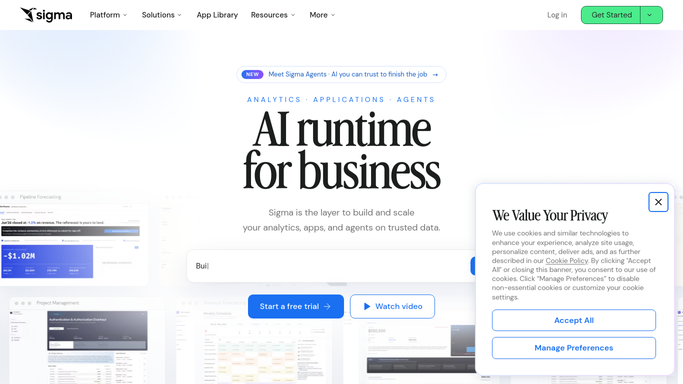
WebRun opens Sigma Computing to read the workbook's key numbers. - Open the tracked workbook in Sigma
- Read the current values on its key tables and elements
- Note which numbers moved most since last week
Done when This week's key numbers are read from the workbook.
-
2
Google Sheets - export the numbers to a sheet
google.com

WebRun opens Google Sheets to export the numbers to a sheet. - Open the shared export sheet in Google Sheets
- Add this week's numbers as a new row
- Keep columns consistent so the sheet stays easy to chart
Done when This week's numbers are a new row in the export sheet.
-
3
Gmail - email a summary
gmail.com

WebRun opens Gmail to email a summary. - Draft a short summary email of what moved most this week
- Link to the updated Google Sheet
- Send it to the stakeholder distribution list
Done when Stakeholders have this week's summary and sheet link in their inbox.
How is each run configured?
Secure by default
Connect once, stays signed in
WebRun signs in once and keeps each session in a persistent environment, so every run picks up right where it left off.
Every action is checked against this policy before it runs.
Questions, answered
Do stakeholders need a Sigma seat to see this?
No, that's the point. The numbers land in a plain Google Sheet and an email, so anyone can see them without a Sigma login.
Does WebRun change anything in the Sigma workbook?
No. It only reads the current values. Editing a table, a formula, or the workbook itself stays a human task.
Who receives the email?
Only your internal stakeholder distribution list that you set up. It is never sent outside your organization.
Related templates
Put this on autopilot.
Turn it on in minutes - or have our team set it up for you.