Reconcile SharpSpring leads against your client tracker
Every Monday, WebRun opens SharpSpring, reads which new leads and lead score changes happened across every client account in the past week, compares that list against the agency's Airtable client tracker, and writes a short Notion note flagging any client account with no matching activity logged.
- No credit card
- Under $0.01 per run
- Cancel anytime
How do I catch a quiet SharpSpring client account early?
Every Monday, WebRun reads new leads and lead score changes across every SharpSpring client account, compares that activity against the agency's Airtable client tracker, and writes a short Notion note flagging any client with no matching activity that week. A quiet client account gets caught before a monthly report surfaces it.
- Quiet client accounts get caught within a week
- Account managers know exactly which clients need attention
- Agency reporting stays accurate without a manual cross check
Built for marketing agencies · SharpSpring partner agencies · account managers · marketing operations
What does WebRun do on every run?
The exact actions WebRun takes, in order - in plain language, so you can adjust anything.
-
WebRun signs in and gets to work
Opens
app.sharpspring.comin a real browser with your saved login - no setup, no API keys. -
1
SharpSpring - read new leads and score changes
sharpspring.com
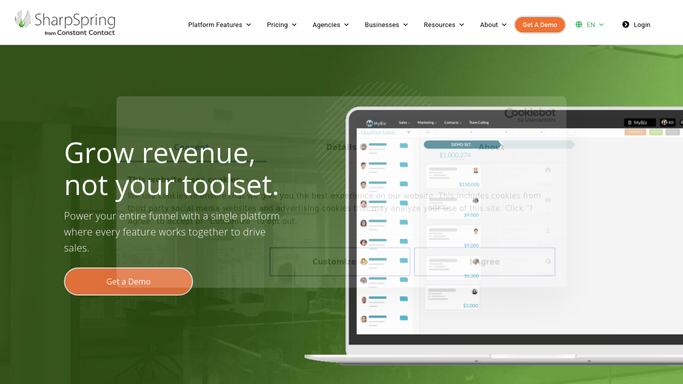
WebRun opens SharpSpring to read new leads and score changes. - Open SharpSpring and review every managed client account
- Read new leads and lead score changes from the past week
- Capture the numbers per client account
Done when Every client account's weekly lead activity is captured.
-
2
Airtable - compare against the client tracker
airtable.com How to Automate Airtable

WebRun opens Airtable to compare against the client tracker. - Open the agency's client tracker in Airtable
- Compare each client's SharpSpring activity against its tracker record
- Flag any client account showing no new activity this week
Done when Every client has been compared against its Airtable tracker record.
-
3
Notion - write the mismatch note
notion.so How to Automate Notion

WebRun opens Notion to write the mismatch note. - Open the agency Notion workspace
- Write a short note listing any client account with no matching activity
- Note which account managers own the flagged clients
Done when A Notion note exists listing any client with a lead activity mismatch.
How is each run configured?
Secure by default
Connect once, stays signed in
WebRun signs in once and keeps each session in a persistent environment, so every run picks up right where it left off.
Every action is checked against this policy before it runs.
Questions, answered
Will it change a client's campaign or lead scoring?
No. WebRun only compares SharpSpring against the Airtable tracker and reports mismatches. Any change to a client's setup stays a human decision.
What counts as no matching activity?
A client account showing zero new leads or score changes for the week, which usually means a campaign has gone quiet and needs a look.
Who sees the Notion note?
The whole agency team, with each flagged client tied to its account manager so the right person follows up.
Related templates
Put this on autopilot.
Turn it on in minutes - or have our team set it up for you.