Draft part-inquiry replies before leads go cold
Every hour, WebRun opens Car-Part.com iCPM, reads every new part inquiry, cross-references matching stock in Checkmate, drafts a quoted reply per request, and queues it in Gmail for your staff to review and send.
- No credit card
- Under $0.01 per run
- Cancel anytime
What does WebRun do on every run?
The exact actions WebRun takes, in order - in plain language, so you can adjust anything.
-
WebRun signs in and gets to work
Opens
www.car-part.comin a real browser with your saved login - no setup, no API keys. -
1
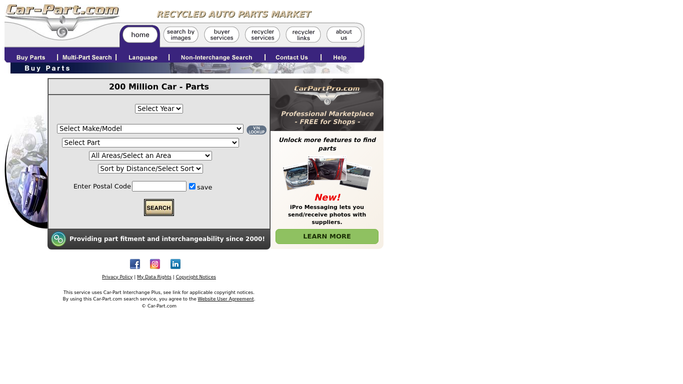
Car-Part.com - read new part inquiries
car-part.com

WebRun opens Car-Part.com to read new part inquiries. - Open Car-Part.com iCPM and filter messages to unread part inquiries
- Capture the part number, year, make, model, and buyer contact for each request
- Skip any inquiry already replied to in this session
Done when Every new part inquiry has been logged with its part details and buyer contact.
-
2
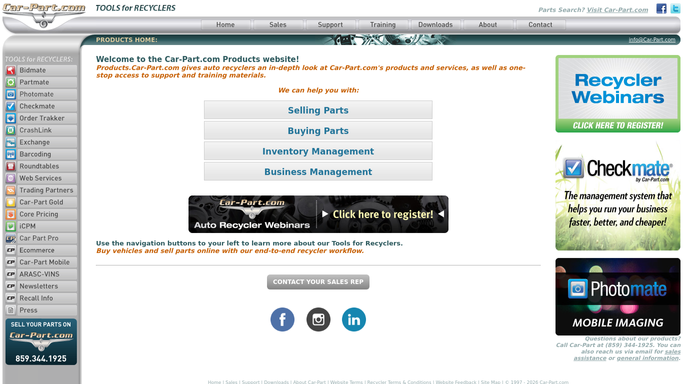
Checkmate - look up matching inventory and price
products.car-part.com
WebRun opens Checkmate to look up matching inventory and price. - Open Checkmate Inventory Pro and search for the requested part by interchange number
- Check stock status, grade, mileage, and current asking price
- Note any alternative parts that match if the exact part is not in stock
Done when Each inquiry has a matched part (or noted alternative) with price and grade confirmed.
-
3
Gmail - draft quoted reply for staff review
gmail.com How to Automate Gmail
WebRun opens Gmail to draft quoted reply for staff review. - Draft a reply for each inquiry with the part details, price, and availability
- Include alternatives where the exact part is out of stock
- Leave every draft unsent for staff to review and approve before sending
Done when A priced draft reply sits in Gmail for every new inquiry, ready for one-click send.

How can I automatically draft replies to part inquiries from Car-Part.com?
WebRun checks Car-Part.com iCPM every hour for new part inquiries, looks up matching stock and pricing in Checkmate, and drafts a quoted reply in Gmail for each request. Staff review and send each draft with one click, so no lead sits unanswered for more than an hour.
- Every part inquiry has a priced draft reply within 60 minutes
- Staff spend seconds reviewing instead of minutes looking up stock
- No buyer lead sits unanswered while inventory sits unsold
Built for auto salvage yards · used auto parts recyclers · counter staff managers · salvage yard owners
How is each run configured?
Secure by default
Connect once, stays signed in
WebRun signs in once and keeps each session in a persistent environment, so every run picks up right where it left off.
Every action is checked against this policy before it runs.
Questions, answered
Will it send replies to buyers on its own?
No. Every reply is drafted and left unsent in Gmail for your staff to review. Nothing goes to a buyer without a human approving it first.
What if the part is not in stock?
WebRun checks Checkmate for the closest interchange alternatives and includes them in the draft so your team can offer substitutes without extra lookup time.
How quickly does it process new inquiries?
It runs every hour, so a new inquiry typically has a priced draft ready within 60 minutes of arriving in iCPM.
Related templates
Put this on autopilot.
Turn it on in minutes - or have our team set it up for you.