Qualify and route every new salvage buyer lead the moment it arrives
When a new buyer inquiry lands on Car-Part.com, WebRun reads the part request and buyer details, looks up any prior purchase history in Checkmate, scores the lead by part type and buyer history, and pings the best-fit counter rep in Slack with a one-line brief so they can respond immediately.
- No credit card
- Under $0.01 per run
- Cancel anytime
What does WebRun do on every run?
The exact actions WebRun takes, in order - in plain language, so you can adjust anything.
-
WebRun signs in and gets to work
Opens
www.car-part.comin a real browser with your saved login - no setup, no API keys. -
1
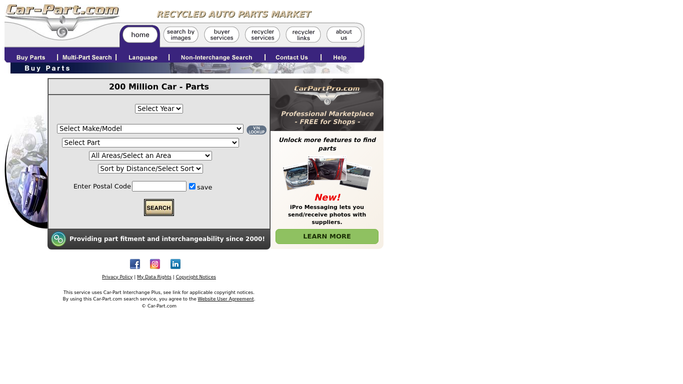
Car-Part.com - capture new buyer inquiry details
car-part.com

WebRun opens Car-Part.com to capture new buyer inquiry details. - Detect the new buyer inquiry in Car-Part.com iCPM or the marketplace inbox
- Capture the buyer name, contact, part requested, year, make, and model
- Note the inquiry source and timestamp
Done when The new inquiry has all part and buyer details captured.
-
2
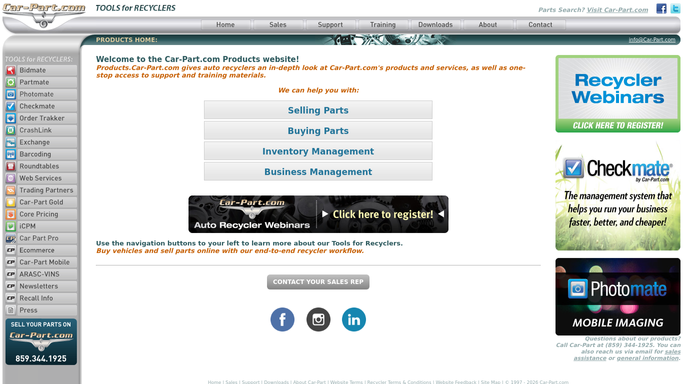
Checkmate - look up buyer history and part availability
products.car-part.com
WebRun opens Checkmate to look up buyer history and part availability. - Search Checkmate for the buyer by name or email to pull prior purchase history
- Check inventory for the requested part and confirm stock status and price
- Score the lead as hot, warm, or cold based on prior purchase count and part availability
Done when The lead has a score and a confirmed stock status for the requested part.
-
3
Slack - ping the right counter rep with a lead brief
slack.com How to Automate Slack
WebRun opens Slack to ping the right counter rep with a lead brief. - Identify the counter rep best suited to the part category or buyer relationship
- Post a one-line lead brief to that rep in Slack: buyer name, part, stock status, score, and contact
- Flag hot leads with a priority note so the rep knows to respond first
Done when The right rep has a Slack alert with everything needed to respond immediately.

How can I automatically qualify and route new buyer leads from Car-Part.com?
When a new buyer inquiry arrives on Car-Part.com, WebRun reads the part request and buyer details, checks prior purchase history and stock status in Checkmate, scores the lead, and pings the right counter rep in Slack with a one-line brief. Hot leads reach a human within minutes of arrival.
- Hot buyer leads reach a counter rep within minutes instead of hours
- Reps know stock status and buyer history before they even pick up the phone
- No new inquiry gets lost in a busy iCPM inbox
Built for auto salvage yards · counter sales teams · salvage yard managers · used parts dealers
How is each run configured?
Secure by default
Connect once, stays signed in
WebRun signs in once and keeps each session in a persistent environment, so every run picks up right where it left off.
Every action is checked against this policy before it runs.
Questions, answered
Does it reply to the buyer automatically?
No. WebRun only alerts your counter rep in Slack. The rep then decides how and when to contact the buyer, keeping the customer relationship fully human.
How does it decide which rep to ping?
You set the routing rules during setup, for example by part category or by which rep owns an existing buyer relationship recorded in Checkmate.
What if the part is not in stock?
WebRun notes the out-of-stock status in the Slack alert so the rep can immediately offer an alternative or refer the buyer to another recycler via Car-Part Exchange.
Related templates
Put this on autopilot.
Turn it on in minutes - or have our team set it up for you.