Get a weekly cash flow and stock scorecard
Every week, WebRun totals cash in, cash out, and low stock items in Saasu, archives the report to Google Drive, and posts the scorecard to Slack.
- No credit card
- Under $0.01 per run
- Cancel anytime
How do I get a weekly cash flow and stock scorecard from Saasu?
WebRun totals cash in, cash out, and low stock items in Saasu every Monday, archives the full report to Google Drive, and posts a scorecard to Slack naming the net cash position and which items are closest to running out. It gives a weekly read on both cash and inventory health without pulling either report manually.
- Cash position and stock risk are visible in one weekly scorecard
- Low stock items are named before they run out
- Every week's report is archived automatically for reference
Built for small retailers · product businesses · Australian and New Zealand businesses · inventory managers
What does WebRun do on every run?
The exact actions WebRun takes, in order - in plain language, so you can adjust anything.
-
WebRun signs in and gets to work
Opens
secure.saasu.comin a real browser with your saved login - no setup, no API keys. -
1
Saasu - total this week's cash in, cash out, and low stock items
saasu.com
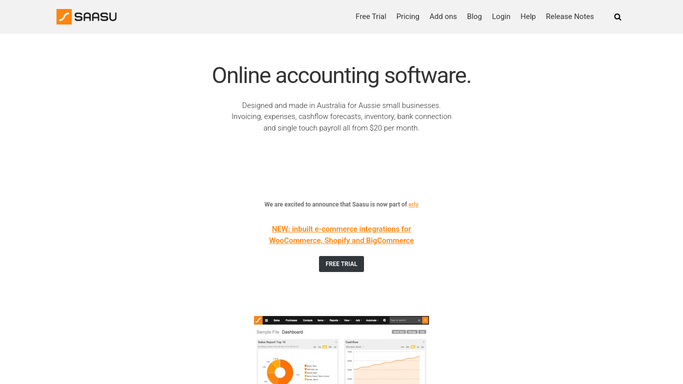
WebRun opens Saasu to total this week's cash in, cash out, and low stock items. - Open Saasu and total last week's cash received and cash paid out
- Check inventory items below their reorder level
- Note the net cash position for the week
Done when Last week's cash movement and low stock items are totaled.
-
2
Google Drive - archive the report to Drive
drive.google.com How to Automate Google Drive

WebRun opens Google Drive to archive the report to Drive. - Save the week's cash flow and stock report to your finance folder
- Name the file with the week's date range
- Keep a running folder of weekly reports
Done when This week's report is archived in Drive.
-
3
Slack - post the scorecard to Slack
slack.com How to Automate Slack

WebRun opens Slack to post the scorecard to Slack. - Post the net cash position and the count of low stock items
- Name the items closest to running out
- Keep the message short
Done when The team has this week's cash flow and stock scorecard in Slack.
How is each run configured?
Secure by default
Connect once, stays signed in
WebRun signs in once and keeps each session in a persistent environment, so every run picks up right where it left off.
Every action is checked against this policy before it runs.
Questions, answered
Does it reorder stock automatically?
No. It only flags items below their reorder level. Placing a reorder is still a decision made inside Saasu or with your supplier.
How is the reorder level set?
From the reorder level already configured for each item in Saasu. The scorecard just reports what's currently below it.
Where can I see last week's report later?
In your Drive finance folder, since every week's scorecard is archived there with its own dated file.
Related templates
Put this on autopilot.
Turn it on in minutes - or have our team set it up for you.