Get new hires set up in the password vault fast
Every morning, WebRun opens RoboForm, checks which new employees haven't activated their vault or added their first logins, posts a setup checklist to the IT Telegram channel, and texts the employee a reminder via Twilio.
- No credit card
- Under $0.01 per run
- Cancel anytime
What does WebRun do on every run?
The exact actions WebRun takes, in order - in plain language, so you can adjust anything.
-
WebRun signs in and gets to work
Opens
www.roboform.comin a real browser with your saved login - no setup, no API keys. -
1
RoboForm - check vault activation status
roboform.com

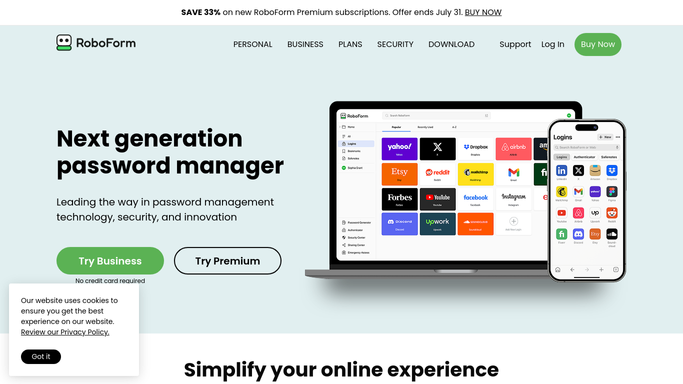
WebRun opens RoboForm to check vault activation status. - Open the RoboForm admin console and check activation status for recently added users
- Flag anyone who hasn't activated their vault within 3 days of being added
- Note whether they've imported or saved any logins yet
Done when Every recently added user has a checked activation status.
-
2
Telegram - post the setup checklist
telegram.org How to Automate Telegram
WebRun opens Telegram to post the setup checklist. - Post the list of employees still setting up their vault to the IT Telegram channel
- Include how many days since they were added
- Leave the actual setup to each employee
Done when Every unactivated employee is visible in Telegram.
-
3
Twilio - text the employee a reminder
twilio.com How to Automate Twilio
WebRun opens Twilio to text the employee a reminder. - Text each unactivated employee a short reminder via Twilio to finish setting up their vault
- Link back to the RoboForm setup guide, nothing more
- Never create the vault or import logins on the employee's behalf
Done when Every unactivated employee has been texted this run.


How do I get new hires to finish setting up their RoboForm vault?
WebRun checks RoboForm every morning for new employees who haven't activated their vault within 3 days, posts the setup checklist to Telegram, and texts each employee a reminder via Twilio. It never creates a vault or imports a password itself, so setup stays the employee's own step.
- New hires finish vault setup within days, not weeks
- IT sees every unactivated account in one place
- WebRun never creates a vault or handles a password itself
Built for IT admins · onboarding teams · help desk · small business owners
How is each run configured?
Secure by default
Connect once, stays signed in
WebRun signs in once and keeps each session in a persistent environment, so every run picks up right where it left off.
Every action is checked against this policy before it runs.
Questions, answered
Will WebRun create the vault or import passwords for the employee?
No. WebRun never creates a vault, imports logins, or sets a password. It only tracks who hasn't finished setup and sends a reminder.
How long before an unactivated employee is flagged?
3 days after they are added to RoboForm without activating their vault. That gives normal onboarding time before it becomes a checklist item.
Does WebRun ever see a saved password?
No. It only reads activation status, whether the vault is set up or not. It never opens, types, or stores an actual saved password.
Related templates
Put this on autopilot.
Turn it on in minutes - or have our team set it up for you.