Confirm every forwarded document actually reaches the client
Every morning, WebRun opens Athennian, finds every document marked forwarded to a client that has no receipt confirmation logged, checks that the scanned copy is filed in the entity's Dropbox folder, and pings your operations team in Telegram for anything still unconfirmed after 2 days.
- No credit card
- Under $0.01 per run
- Cancel anytime
What does WebRun do on every run?
The exact actions WebRun takes, in order - in plain language, so you can adjust anything.
-
WebRun signs in and gets to work
Opens
www.athennian.comin a real browser with your saved login - no setup, no API keys. -
1
Athennian - find unconfirmed forwarded documents
athennian.com How to Automate Athennian

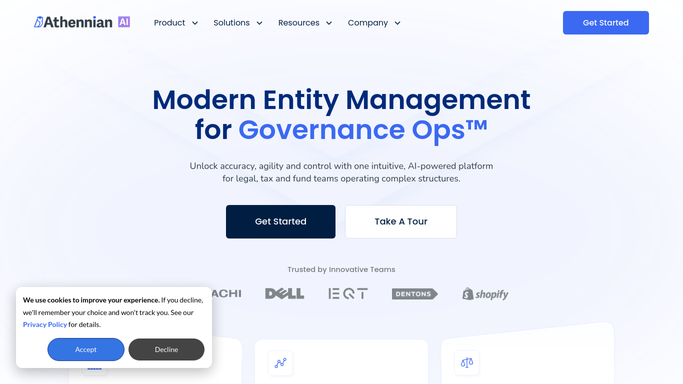
WebRun opens Athennian to find unconfirmed forwarded documents. - Open Athennian and filter documents marked forwarded with no receipt confirmation logged
- Capture the entity, document type, and date forwarded for each
- Note how many days it's been outstanding
Done when Every forwarded document without a logged confirmation is listed with its days outstanding.
-
2
Dropbox - confirm the scanned copy is filed
dropbox.com How to Automate Dropbox
WebRun opens Dropbox to confirm the scanned copy is filed. - Check that the scanned copy is filed in the entity's Dropbox folder
- Flag any document missing its scanned copy
- Confirm the file name matches the entity and document type
Done when Every forwarded document on the list has its scanned copy verified in Dropbox.
-
3
Telegram - alert ops on outstanding confirmations
telegram.org How to Automate Telegram
WebRun opens Telegram to alert ops on outstanding confirmations. - Send an alert for any document outstanding more than 2 days with no confirmation logged
- Include the entity, document type, and days outstanding
- Send a same day note for anything just forwarded, so ops knows to expect a confirmation soon
Done when Your operations team has a Telegram alert for every document still awaiting confirmation.


How do I confirm that forwarded documents actually reach the client?
WebRun checks Athennian every morning for documents marked forwarded to a client with no receipt confirmation logged, verifies the scanned copy is filed in the entity's Dropbox folder, and pings your operations team in Telegram when a confirmation is still outstanding after 2 days, so a forwarded document never quietly falls through without anyone noticing.
- Forwarded documents without a confirmed receipt surface the same day
- Missing scanned copies are caught before a client asks for one
- Operations gets an alert only when a confirmation is genuinely overdue
Built for registered agent services · corporate compliance teams · mailroom and operations teams · law firm operations
How is each run configured?
Secure by default
Connect once, stays signed in
WebRun signs in once and keeps each session in a persistent environment, so every run picks up right where it left off.
Every action is checked against this policy before it runs.
Questions, answered
Does it contact the client to ask for confirmation?
No. It only tracks what's outstanding in Athennian and alerts your operations team internally. Following up with the client directly is left to a person.
What counts as a confirmation?
Whatever receipt event your team logs in Athennian, such as a signed acknowledgment or a confirmed delivery. WebRun just reads that status, it doesn't set it.
Why check Dropbox as well as Athennian?
Because a document can be marked forwarded without its scanned copy actually being filed. Checking both catches that gap before it becomes a client complaint.
Related templates
Put this on autopilot.
Turn it on in minutes - or have our team set it up for you.