Deliver a weekly R&D tax credit study status digest to your team
Every Monday, WebRun opens Neo.Tax, reads the current stage of every active R&D tax credit study, from data collection through QRE calculation to final review, and posts a structured digest to the team Slack channel and updates the master status Google Sheet so leadership always has a clear view of the portfolio.
- No credit card
- Under $0.01 per run
- Cancel anytime
What does WebRun do on every run?
The exact actions WebRun takes, in order - in plain language, so you can adjust anything.
-
WebRun signs in and gets to work
Opens
app.neo.taxin a real browser with your saved login - no setup, no API keys. -
1
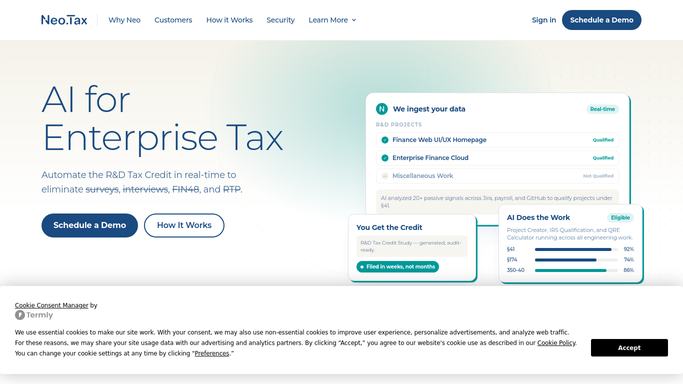
Neo.Tax - read all active engagement stages
neo.tax How to Automate Neo.Tax

WebRun opens Neo.Tax to read all active engagement stages. - Open Neo.Tax and navigate to the full list of active client engagements
- For each engagement, record the current stage: data collection, payroll integration, QRE calculation, narrative generation, internal review, or completed
- Flag any engagement that has not advanced in 7 or more days
Done when Every active engagement has a recorded stage and stall flag.
-
2
Google Sheets - update the master status tracker
google.com How to Automate Google Sheets
WebRun opens Google Sheets to update the master status tracker. - Open the portfolio status Google Sheet
- Update the stage and last-updated date for each engagement
- Highlight rows where progress has stalled for 7 or more days
Done when The Google Sheet reflects the current stage of every active engagement.
-
3
Slack - post weekly study status digest
slack.com How to Automate Slack
WebRun opens Slack to post weekly study status digest. - Post the weekly status digest to the Slack channel, grouping engagements by stage
- Call out any stalled engagements with the number of days since last progress
- Include a link to the master status sheet for the full list
Done when The team has today's portfolio status digest in Slack.


How do I get a weekly status digest of all active R&D tax credit engagements?
Every Monday, WebRun opens Neo.Tax and reads the current stage of every active R&D tax credit study, from data collection through to final review. It updates the portfolio tracker in Google Sheets and posts a grouped status digest to Slack, flagging any engagement that has not advanced in seven or more days.
- Partners see the full study portfolio status every Monday without logging into Neo.Tax
- Stalled engagements are flagged before they become a client escalation
- The Google Sheets tracker stays current with zero manual updates
Built for R&D tax credit firms · CPA practice managers · tax advisory partners · accounting firm operations
How is each run configured?
Secure by default
Connect once, stays signed in
WebRun signs in once and keeps each session in a persistent environment, so every run picks up right where it left off.
Every action is checked against this policy before it runs.
Questions, answered
Does it contact clients or update anything in Neo.Tax?
No. WebRun only reads Neo.Tax to extract status information. It posts internally to Slack and updates your own tracking sheet. It does not modify any Neo.Tax record or contact any client.
How does it define a stalled engagement?
Any engagement whose stage has not changed in 7 or more days is flagged as stalled. The threshold can be adjusted to match your firm's standard turnaround expectations.
Can it track engagements across multiple tax years?
Yes. WebRun reads all active engagements in Neo.Tax regardless of the tax year in scope, and includes the year in each row of the tracking sheet and Slack digest.
Related templates
Put this on autopilot.
Turn it on in minutes - or have our team set it up for you.