Reorder pro shop stock before it runs out
Every morning, WebRun opens CourtReserve, checks pro shop inventory for items at or below their reorder threshold, drafts a purchase order listing each item with its current stock and reorder quantity, logs it to a Google Sheet for record-keeping, and posts a low-stock alert to Slack for staff to review before placing any order.
- No credit card
- Under $0.01 per run
- Cancel anytime
What does WebRun do on every run?
The exact actions WebRun takes, in order - in plain language, so you can adjust anything.
-
WebRun signs in and gets to work
Opens
app.courtreserve.comin a real browser with your saved login - no setup, no API keys. -
1
CourtReserve - check pro shop inventory levels
courtreserve.com

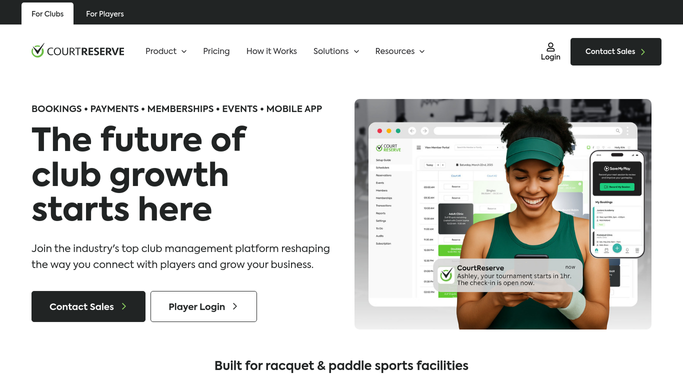
WebRun opens CourtReserve to check pro shop inventory levels. - Open CourtReserve and navigate to the Pro Shop or Inventory section
- Review current stock levels for all items
- Identify items at or below their reorder threshold
- Capture the item name, SKU, current quantity, reorder threshold, and preferred reorder quantity for each low-stock item
Done when Every pro shop item at or below its reorder threshold is listed with its stock and reorder details.
-
2
Google Sheets - log low-stock items and draft PO
google.com How to Automate Google Sheets
WebRun opens Google Sheets to log low-stock items and draft PO. - Open the pro shop reorder tracking sheet
- Add a draft purchase order section with today's date listing each low-stock item, its current quantity, and recommended reorder quantity
- Log the reorder event row for historical tracking
Done when A draft purchase order is recorded in the Google Sheet with all low-stock items listed.
-
3
Slack - post low-stock alert to staff
slack.com How to Automate Slack
WebRun opens Slack to post low-stock alert to staff. - Post a low-stock alert to the staff channel listing each item, its current quantity, and the recommended reorder amount
- Note that a draft PO is ready in the Google Sheet for review
- Flag any item that has reached zero stock as out of stock
Done when Staff have a low-stock alert in Slack with the draft PO link and out-of-stock items flagged.


How do I automatically track and reorder pro shop inventory?
WebRun checks CourtReserve pro shop inventory every morning for items at or below their reorder threshold. It drafts a purchase order in Google Sheets with each low-stock item's current quantity and recommended reorder amount, then posts a low-stock alert to Slack for staff review. No order is placed without human approval.
- Low-stock items are caught each morning before the shelf runs empty
- A draft purchase order is ready in Google Sheets for staff to approve and send
- Out-of-stock items are flagged separately for emergency reorders
Built for tennis club pro shop managers · pickleball clubs with retail · racquet sports facility managers · club retail staff
How is each run configured?
Secure by default
Connect once, stays signed in
WebRun signs in once and keeps each session in a persistent environment, so every run picks up right where it left off.
Every action is checked against this policy before it runs.
Questions, answered
Will it place a purchase order automatically with the supplier?
No. It drafts the purchase order in Google Sheets and alerts staff in Slack. A human reviews and approves the PO before any order is placed with a supplier.
How does it know what the reorder threshold is for each item?
It reads the reorder threshold set for each item in CourtReserve's inventory management. You set those thresholds once in CourtReserve and the run uses them every day.
Does it track items that are completely out of stock?
Yes. Items with zero stock are flagged separately as out of stock in the Slack alert so staff can prioritise emergency reorders.
Related templates
Put this on autopilot.
Turn it on in minutes - or have our team set it up for you.