Kick off a new QSR location setup in TouchBistro with a structured checklist
When you launch a new location, WebRun opens TouchBistro and your Notion onboarding workspace, steps through the new-location checklist including menu configuration, staff role setup, payment types, and reporting thresholds, and drafts a go-live readiness summary in Notion for the owner to approve before the location takes its first order.
- No credit card
- Under $0.01 per run
- Cancel anytime
What does WebRun do on every run?
The exact actions WebRun takes, in order - in plain language, so you can adjust anything.
-
WebRun signs in and gets to work
Opens
cloud.touchbistro.comin a real browser with your saved login - no setup, no API keys. -
1
TouchBistro - configure menu, staff, and reports for the new location
touchbistro.com How to Automate TouchBistro

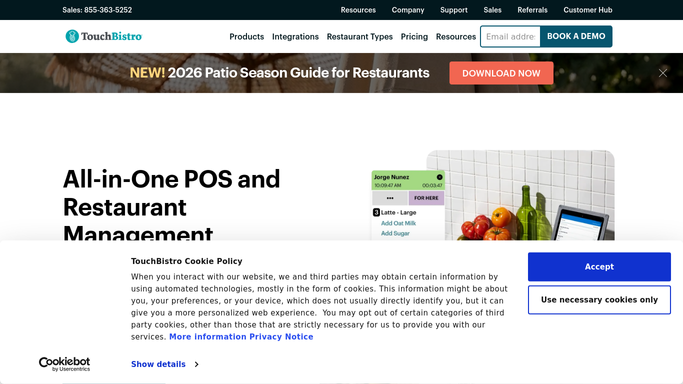
WebRun opens TouchBistro to configure menu, staff, and reports for the new location. - Open TouchBistro Cloud and create or access the new location profile
- Confirm the menu is imported and items are categorised and priced correctly
- Verify staff roles and PIN assignments are configured for the location
- Check that payment types, tax rates, and service charges are set correctly
- Configure the standard reports: Sales Summary, Labor, Menu Mix, and Voids
Done when Menu, staff, payments, and reports are configured and verified in TouchBistro for the new location.
-
2
Notion - draft go-live readiness summary for owner approval
notion.so How to Automate Notion
WebRun opens Notion to draft go-live readiness summary for owner approval. - Open the New Location Onboarding page in Notion
- Draft a go-live readiness summary listing each checklist item as complete or pending
- Flag any open items that need owner input before the location goes live
- Leave the summary as a draft for the owner to review and approve before the first service
Done when The go-live readiness summary is drafted in Notion with all checklist items documented and open items flagged for owner approval.

How do I set up a new TouchBistro location with a structured onboarding checklist?
When you open a new QSR location, WebRun steps through TouchBistro configuration including menu setup, staff roles, payment types, and report settings, then drafts a go-live readiness checklist in Notion. The owner reviews each item and approves before the location takes its first order, ensuring nothing is skipped in the setup rush.
- New location setup follows a consistent checklist every time
- No menu, staff, or payment configuration step is skipped under opening pressure
- Owner approves go-live readiness before the first order is taken
Built for QSR franchise operators · multi-unit restaurant owners · restaurant opening teams · area managers launching new sites
How is each run configured?
Secure by default
Connect once, stays signed in
WebRun signs in once and keeps each session in a persistent environment, so every run picks up right where it left off.
Every action is checked against this policy before it runs.
Questions, answered
Will it activate or publish the location automatically?
No. WebRun drafts the go-live readiness summary in Notion and flags open items for the owner to review. The location does not go live until the owner approves the checklist and confirms readiness.
What if the menu has hundreds of items?
WebRun verifies that items are present and categorised rather than reviewing each one individually. For a large menu, it spot-checks a sample and flags any items missing a price, category, or modifier group.
Can it handle multiple new locations at once?
Each location runs as its own instance of the workflow. You trigger it once per location and get a separate Notion readiness page per site, keeping each setup independent and trackable.
Related templates
Put this on autopilot.
Turn it on in minutes - or have our team set it up for you.