Draft kindergarten readiness reports for families
On the first of the month, WebRun opens Teaching Strategies GOLD, pulls each child's latest checkpoint ratings across all developmental domains, drafts a plain language kindergarten readiness report in Google Docs, and leaves a personalized email with the report attached in Gmail for the teacher to review and send to the family.
- No credit card
- Under $0.01 per run
- Cancel anytime
What does WebRun do on every run?
The exact actions WebRun takes, in order - in plain language, so you can adjust anything.
-
WebRun signs in and gets to work
Opens
mygold.teachingstrategies.comin a real browser with your saved login - no setup, no API keys. -
1
Teaching Strategies GOLD - pull each child's checkpoint ratings
teachingstrategies.com How to Automate Teaching Strategies GOLD

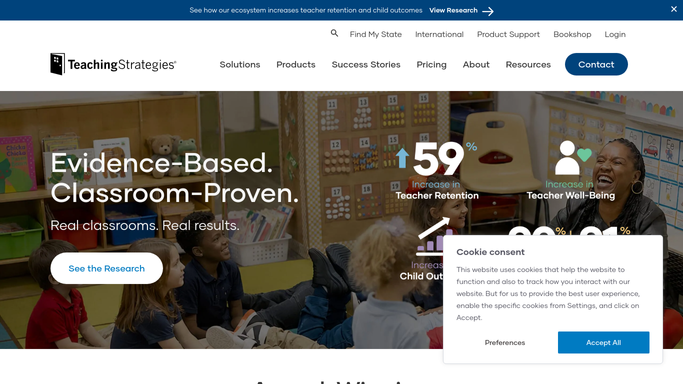
WebRun opens Teaching Strategies GOLD to pull each child's checkpoint ratings. - Open Teaching Strategies GOLD and pull the latest checkpoint ratings for every child due a report
- Group the ratings by developmental domain: literacy, math, social emotional, and physical
Done when Every child due a report has their full checkpoint data pulled.
-
2
Google Docs - draft the readiness report
docs.google.com How to Automate Google Docs
WebRun opens Google Docs to draft the readiness report. - Draft a plain language summary of strengths and growth areas for each domain
- Use the center's report template so formatting matches past reports
- Flag any domain rated well below range for the teacher to expand on
Done when A complete draft report exists in Google Docs for every child.
-
3
Gmail - queue it for the family
gmail.com How to Automate Gmail
WebRun opens Gmail to queue it for the family. - Attach the finished draft to a short email addressed to the family
- Leave the email in Drafts. Never send a readiness report without teacher review
- Note which reports still need a teacher's added comments before sending
Done when A draft report email is waiting in Gmail for every family, none sent yet.


How do I turn GOLD assessment data into a kindergarten readiness report for families?
WebRun pulls every child's checkpoint ratings from Teaching Strategies GOLD, drafts a plain language kindergarten readiness report by developmental domain in Google Docs, and attaches it to a draft email in Gmail for the family. Reports are prepared monthly ahead of conferences and school transitions, and every one waits for a teacher to review and send.
- Every family gets a plain language report instead of a raw checkpoint printout
- Teachers start from a finished draft instead of a blank document each reporting period
- No report reaches a family before a teacher has reviewed and approved it
Built for pre-K teachers · preschool directors · early learning centers · kindergarten transition teams
How is each run configured?
Secure by default
Connect once, stays signed in
WebRun signs in once and keeps each session in a persistent environment, so every run picks up right where it left off.
Every action is checked against this policy before it runs.
Questions, answered
Will a report go home without a teacher reading it first?
No. Every readiness report is drafted and attached to an email left in Gmail. A teacher has to review and send it. WebRun never emails a family directly.
How does it turn checkpoint ratings into plain language?
It groups each child's GOLD ratings by developmental domain and writes a short summary of strengths and growth areas in the center's existing report template, so the format matches what families already expect.
Can a teacher edit the draft before sending?
Yes. The draft sits in Google Docs and Gmail exactly like any other draft, so a teacher can add a comment or adjust the wording before it goes home.
Related templates
Put this on autopilot.
Turn it on in minutes - or have our team set it up for you.