Ask for reviews while the visit is still fresh
Every evening, WebRun opens Time To Pet, finds visits completed today, and drafts a warm, personalised review request email to each pet owner, naming their pet and the service provided. Every draft is queued in Gmail for your approval before it is sent.
- No credit card
- Under $0.01 per run
- Cancel anytime
What does WebRun do on every run?
The exact actions WebRun takes, in order - in plain language, so you can adjust anything.
-
WebRun signs in and gets to work
Opens
timetopet.comin a real browser with your saved login - no setup, no API keys. -
1
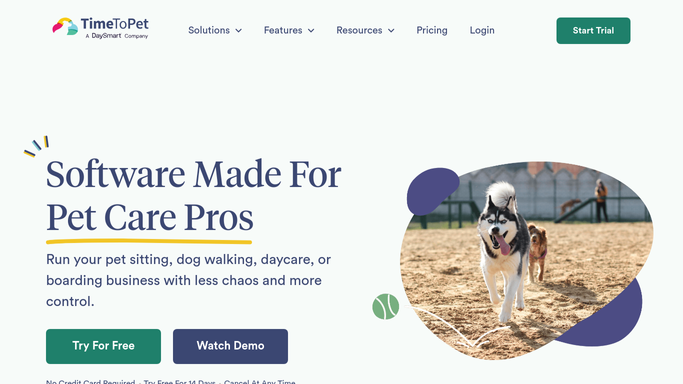
Time To Pet - find visits completed today
timetopet.com How to Automate Time To Pet

WebRun opens Time To Pet to find visits completed today. - Open Time To Pet and filter visits to those marked complete today
- Capture the client name, pet name, service type, and sitter name for each
- Skip clients who received a review request in the last 60 days
Done when Every completed visit today is listed with owner and pet details.
-
2
Gmail - draft review request for each owner
gmail.com How to Automate Gmail
WebRun opens Gmail to draft review request for each owner. - Draft a warm, personalised review request email for each client, mentioning the pet name and today's service
- Include a direct link to your Google or preferred review platform
- Keep the tone friendly and appreciative, not transactional
- Leave each draft unsent in Gmail for your review and approval
Done when A review request draft is ready in Gmail for each completed visit today.

How do I automatically ask pet-sitting clients for reviews after each visit?
Every evening, WebRun opens Time To Pet, finds visits completed that day, and drafts a personalised review request email for each pet owner, mentioning the pet name and the service provided. Each draft waits in Gmail for your approval. Clients who were recently asked for a review are skipped automatically so you collect more feedback without over-messaging anyone.
- Review requests go out while the visit is still fresh in the client mind
- Repeat clients are never spammed with requests within 60 days
- Every draft is personalised with the pet name and service before you send it
Built for pet sitters · dog walkers · pet sitting businesses · independent pet care providers
How is each run configured?
Secure by default
Connect once, stays signed in
WebRun signs in once and keeps each session in a persistent environment, so every run picks up right where it left off.
Every action is checked against this policy before it runs.
Questions, answered
Will it send review requests to clients without my approval?
No. Every review request is drafted and left in Gmail for your review. Nothing is sent to a client until you approve and send it yourself.
What stops a client getting spammed with review requests?
WebRun checks the history and skips any client who has already received a review request in the last 60 days, so repeat clients are never over-messaged.
Can I choose which review platform the link points to?
Yes. When you set up the workflow, tell WebRun your preferred review platform URL, such as Google, Facebook, or a pet-care directory, and it will use that link in every draft.
Related templates
Put this on autopilot.
Turn it on in minutes - or have our team set it up for you.