Catch missing hours in Gusto before they cause a payroll error
Every morning before the payroll run, WebRun opens Gusto, compares each hourly employee's logged hours for the current pay period against their expected schedule, flags anyone whose total is more than 20 percent below the expected amount, and sends your payroll manager a concise Telegram message with the anomaly list.
- No credit card
- Under $0.01 per run
- Cancel anytime
What does WebRun do on every run?
The exact actions WebRun takes, in order - in plain language, so you can adjust anything.
-
WebRun signs in and gets to work
Opens
app.gusto.comin a real browser with your saved login - no setup, no API keys. -
1
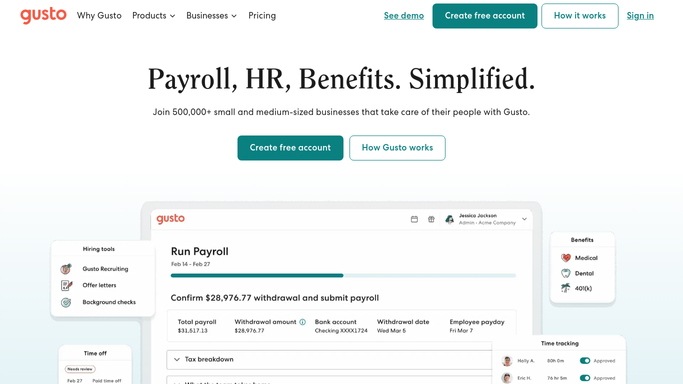
Gusto - compare logged hours against expected schedule
gusto.com How to Automate Gusto

WebRun opens Gusto to compare logged hours against expected schedule. - Open Gusto and navigate to the time tracking summary for the current pay period
- Read each hourly employee's total logged hours and their standard weekly hours
- Calculate the expected hours for the pay period and compare to logged hours
- Flag any employee whose logged total is more than 20 percent below expected
- Note whether the shortfall is in the current week or spans earlier days in the period
Done when Every employee with a significant hour shortfall is identified and documented.
-
2
Telegram - send missing-hours worklist to payroll manager
telegram.org How to Automate Telegram
WebRun opens Telegram to send missing-hours worklist to payroll manager. - Send a Telegram message to the payroll manager bot or group
- List each flagged employee with their name, expected hours, logged hours, and the gap
- Include the payroll submission deadline so the manager knows how much time they have to resolve issues
Done when The payroll manager has the missing-hours worklist in Telegram before the run.

How do I automatically detect missing hours in Gusto before payroll runs?
WebRun opens Gusto every morning, compares each hourly employee's logged hours against their expected schedule for the pay period, and flags anyone more than 20 percent short. Your payroll manager receives a concise Telegram worklist before the run, giving them time to correct gaps before payroll is processed.
- Hour shortfalls caught before payroll runs, not after paychecks are issued
- Payroll manager gets a focused worklist rather than manually auditing every timesheet
- Variable and part-time schedules handled correctly from Gusto profile data
Built for payroll administrators · HR managers · small business owners · finance teams
How is each run configured?
Secure by default
Connect once, stays signed in
WebRun signs in once and keeps each session in a persistent environment, so every run picks up right where it left off.
Every action is checked against this policy before it runs.
Questions, answered
Will it change or add hours in Gusto automatically?
No. WebRun only reads time data and flags anomalies. Correcting hours is left entirely to your managers and employees. Nothing is edited in Gusto on your behalf.
What threshold triggers a flag?
By default, any employee whose logged hours fall more than 20 percent below their expected pay-period total is flagged. You can adjust this threshold when setting up the workflow.
Does it flag part-time or variable-schedule employees correctly?
WebRun uses the standard hours recorded in Gusto for each employee. For variable schedules, the comparison uses the average expected hours from the employee's Gusto profile.
Related templates
Put this on autopilot.
Turn it on in minutes - or have our team set it up for you.