Onboard new referring clients into LigoLab without the back-and-forth
Whenever a new referring client account is created in LigoLab, WebRun captures the account details, logs the intake to a Google Sheet tracking all new clients, and drafts a welcome and instructions email in Gmail for the client services team to review and send before the client submits their first specimen.
- No credit card
- Under $0.01 per run
- Cancel anytime
What does WebRun do on every run?
The exact actions WebRun takes, in order - in plain language, so you can adjust anything.
-
WebRun signs in and gets to work
Opens
www.ligolab.comin a real browser with your saved login - no setup, no API keys. -
1
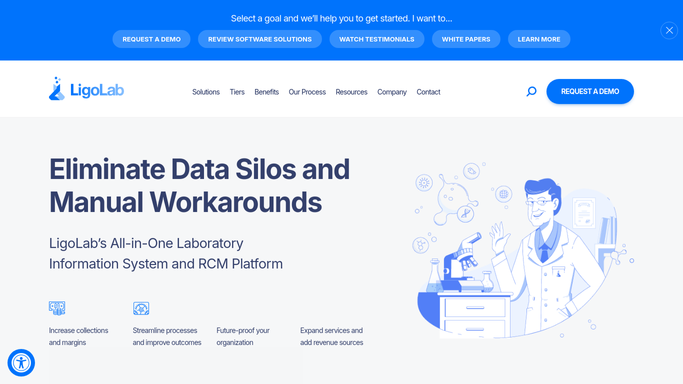
LigoLab - detect new referring client account
ligolab.com How to Automate LigoLab

WebRun opens LigoLab to detect new referring client account. - Detect when a new referring client account has been created in LigoLab
- Capture the client name, practice type, primary contact, billing details, and assigned account manager
- Note whether test menu, courier schedule, and result delivery preferences have been configured
Done when New client account details are captured and any missing configuration items are noted.
-
2
Google Sheets - log new client intake
google.com How to Automate Google Sheets
WebRun opens Google Sheets to log new client intake. - Append the new client as a row in the new-client intake tracker sheet
- Include client name, practice type, primary contact, date created, account manager, and configuration completeness
- Highlight any missing configuration items such as courier schedule or result delivery preference
Done when The new client is logged in Google Sheets with all intake details and any gaps highlighted.
-
3
Gmail - draft welcome email for client services review
gmail.com How to Automate Gmail
WebRun opens Gmail to draft welcome email for client services review. - Draft a welcome and setup instructions email addressed to the new client's primary contact
- Include the lab's test menu, requisition instructions, courier pickup schedule, and result portal access steps
- Save as a Gmail draft only. Do not send. Leave for a client services team member to review, personalize, and transmit
Done when A Gmail welcome draft is saved and ready for client services review, unsent.


How do I automatically onboard new referring clients into LigoLab and send a welcome email?
WebRun detects every new referring client account created in LigoLab, logs the intake details and any configuration gaps to a Google Sheet, and drafts a welcome email in Gmail for client services to review and send. The team gets a complete onboarding record and a ready-to-send first impression, without the usual back-and-forth.
- Every new referring client logged and welcomed within minutes of account creation
- Configuration gaps highlighted automatically so nothing is missed before the first specimen arrives
- Client services team reviews a ready-made welcome draft instead of writing from scratch
Built for pathology lab client services teams · lab account managers · laboratory business development
How is each run configured?
Secure by default
Connect once, stays signed in
WebRun signs in once and keeps each session in a persistent environment, so every run picks up right where it left off.
Every action is checked against this policy before it runs.
Questions, answered
Will it send the welcome email to the new client automatically?
No. The welcome email is saved as a Gmail draft and requires review and approval from a client services team member before it is sent. This ensures the message is accurate and personalized before any external communication goes out.
What if the new account is missing configuration like a courier schedule?
Any missing configuration items are highlighted in the Google Sheet intake log so the account manager can complete setup before the welcome email is sent to the client.
Does it set up the client portal access in LigoLab automatically?
No. Portal access configuration in LigoLab must be completed by an authorized staff member. WebRun flags missing configuration in the intake log so nothing is overlooked.
Related templates
Put this on autopilot.
Turn it on in minutes - or have our team set it up for you.