Keep your LigoLab billing coding queue clear every day
Every morning, WebRun opens LigoLab's RCM module, collects cases flagged for billing or CPT or ICD coding review, and appends each one as a row in a Google Sheet so billing staff have a prioritized queue ready before claims age out of the timely filing window.
- No credit card
- Under $0.01 per run
- Cancel anytime
What does WebRun do on every run?
The exact actions WebRun takes, in order - in plain language, so you can adjust anything.
-
WebRun signs in and gets to work
Opens
www.ligolab.comin a real browser with your saved login - no setup, no API keys. -
1
LigoLab - collect billing and coding review flags
ligolab.com How to Automate LigoLab

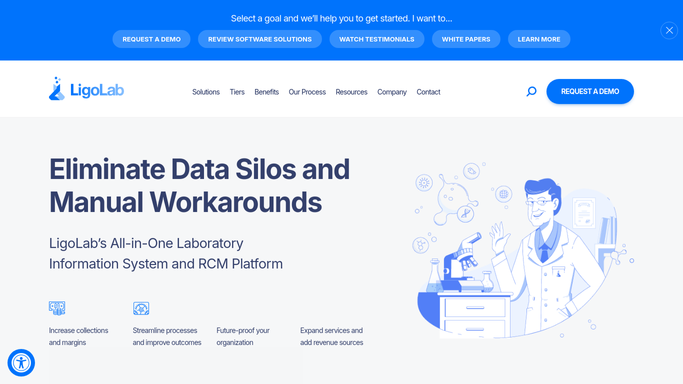
WebRun opens LigoLab to collect billing and coding review flags. - Open LigoLab and navigate to the RCM or billing module
- Filter for cases with an open billing review or coding review flag
- Capture accession number, payer, flag reason, CPT or ICD issue, and date of service for each
- Sort by date of service so the oldest cases (closest to timely filing deadlines) appear first
Done when Every flagged billing or coding case is captured, with payer and date of service for prioritization.
-
2
Google Sheets - log prioritized billing review queue
google.com How to Automate Google Sheets
WebRun opens Google Sheets to log prioritized billing review queue. - Append each flagged case as a new row in the billing review queue sheet
- Include accession number, payer, flag reason, and date of service
- Highlight cases where the date of service is more than 60 days old to flag timely filing risk
Done when The Google Sheet shows a full prioritized billing review queue with timely filing risk highlighted.

How do I automatically build a daily LigoLab billing and coding review queue?
WebRun opens LigoLab's RCM module every morning, collects every case flagged for billing or coding review, and logs a prioritized Google Sheet queue sorted by date of service. Cases approaching timely filing deadlines are highlighted automatically so billing staff can clear the highest-risk claims first.
- Billing staff start each day with a complete, sorted review queue in Google Sheets
- Timely filing risks highlighted automatically for cases older than 60 days
- No claims are submitted or modified without authorized human action
Built for pathology lab billing teams · lab revenue cycle managers · medical billing supervisors
How is each run configured?
Secure by default
Connect once, stays signed in
WebRun signs in once and keeps each session in a persistent environment, so every run picks up right where it left off.
Every action is checked against this policy before it runs.
Questions, answered
Will it submit or modify any claims automatically?
No. WebRun reads flags and logs a queue. It does not submit claims, alter coding, or touch any billing record. All claim actions remain with authorized billing staff.
How does it handle cases flagged for multiple reasons?
Each case appears as a single row in the sheet. If LigoLab records multiple flag reasons for one accession, WebRun captures all reasons in the flag reason column, separated by commas.
What if billing staff resolve a case after the morning run?
The next morning's run checks live status in LigoLab. Cases where the billing flag has been cleared will not reappear in the queue the following day.
Related templates
Put this on autopilot.
Turn it on in minutes - or have our team set it up for you.