Log and review every amended pathology report from LigoLab
Every morning, WebRun opens LigoLab, collects all reports amended in the past 24 hours, and appends each amendment as a structured row in a Google Sheet so the quality team can track amendment frequency, identify patterns, and meet accreditation documentation requirements without manual searching.
- No credit card
- Under $0.01 per run
- Cancel anytime
What does WebRun do on every run?
The exact actions WebRun takes, in order - in plain language, so you can adjust anything.
-
WebRun signs in and gets to work
Opens
www.ligolab.comin a real browser with your saved login - no setup, no API keys. -
1
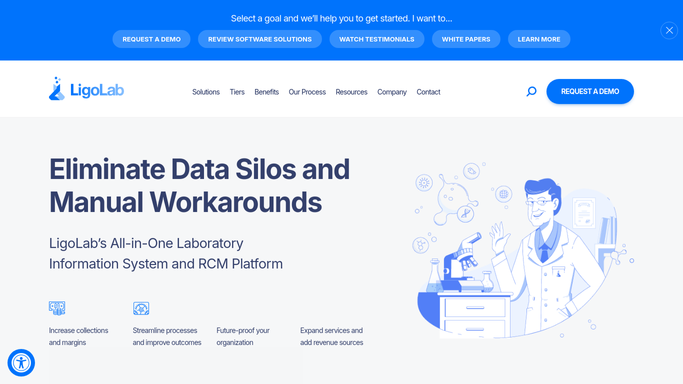
LigoLab - collect amended reports from prior 24 hours
ligolab.com How to Automate LigoLab

WebRun opens LigoLab to collect amended reports from prior 24 hours. - Open LigoLab and filter the report queue for reports with an amended status issued in the past 24 hours
- Capture the accession number, case type, amendment reason code, amending pathologist, and date and time of amendment
- Note whether the amendment changed the diagnosis or only corrected a transcription or demographic error
Done when Every amendment from the past 24 hours is captured with reason, pathologist, and amendment type.
-
2
Google Sheets - append to amendment compliance log
google.com How to Automate Google Sheets
WebRun opens Google Sheets to append to amendment compliance log. - Append each amendment as a new row in the amendment log sheet
- Include accession number, case type, amendment reason, amending pathologist, and amendment type (diagnostic vs. administrative)
- Highlight rows where the amendment changed a diagnosis for elevated quality review priority
Done when The amendment log shows every prior-day amendment with diagnostic changes highlighted for priority review.

How do I automatically log and review amended pathology reports from LigoLab?
WebRun opens LigoLab every morning and collects every report amended in the past 24 hours, appending each one as a structured row in a Google Sheet. Diagnostic amendments are highlighted for priority quality review, giving the team an auditable compliance log without any manual LIS searching.
- Every amendment captured in a compliance log by 7 AM without manual LIS searching
- Diagnostic amendments highlighted automatically for priority quality review
- Auditable log ready for CAP or Joint Commission inspection without extra preparation
Built for pathology quality managers · lab directors · accreditation coordinators · compliance officers
How is each run configured?
Secure by default
Connect once, stays signed in
WebRun signs in once and keeps each session in a persistent environment, so every run picks up right where it left off.
Every action is checked against this policy before it runs.
Questions, answered
Will it notify referring physicians that a report has been amended?
No. Amended report notifications to referring physicians are a draft-not-do action. WebRun logs the amendment to Google Sheets only. Any physician notification must be reviewed and sent by an authorized pathologist or lab director.
Does the log include the original and amended diagnoses?
WebRun captures the amendment reason code and amendment type as recorded in LigoLab. Full diagnostic text is kept inside LigoLab to protect PHI and is not written to the Google Sheet.
How does this help with CAP or Joint Commission accreditation?
The daily log creates an auditable, timestamped record of every amendment with the amending pathologist identified. This log can be produced directly for inspectors without requiring manual LIS queries.
Related templates
Put this on autopilot.
Turn it on in minutes - or have our team set it up for you.