Catch shipping exceptions before customers complain
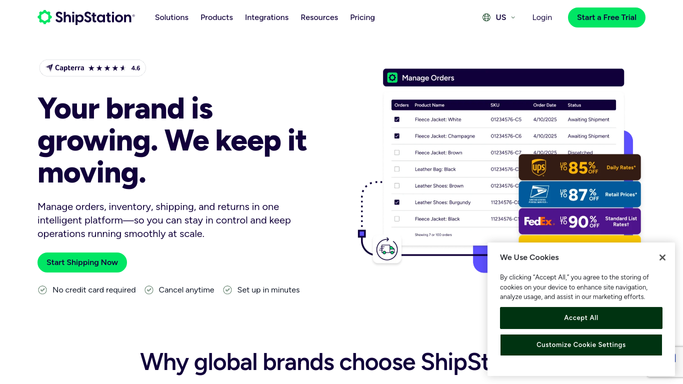
Every hour, WebRun opens ShipStation, scans all in-transit shipments for carrier exceptions such as address issues, failed delivery attempts, or weather holds, groups them by severity, and posts a ranked alert to your Slack channel so your ops team can act before a customer calls.
- No credit card
- Under $0.01 per run
- Cancel anytime
What does WebRun do on every run?
The exact actions WebRun takes, in order - in plain language, so you can adjust anything.
-
WebRun signs in and gets to work
Opens
ship.shipstation.comin a real browser with your saved login - no setup, no API keys. -
1
ShipStation - scan shipments for carrier exceptions
shipstation.com How to Automate ShipStation

WebRun opens ShipStation to scan shipments for carrier exceptions. - Open ShipStation and navigate to Shipments, then filter to In Transit status
- Identify any shipments flagged with a carrier exception code
- Capture the order number, carrier, tracking number, exception type, and how long the exception has been active
- Group exceptions by severity: address issues and refused deliveries first, weather holds second
Done when Every active carrier exception is listed with its order details and severity tier.
-
2
Slack - post ranked exception alert to ops channel
slack.com How to Automate Slack
WebRun opens Slack to post ranked exception alert to ops channel. - Post the ranked exception list to the designated ops Slack channel
- Put highest-severity exceptions at the top with a brief action suggestion for each
- Include a direct ShipStation link for each shipment so the team can act immediately
Done when Ops team has a ranked, actionable exception list in Slack.

How do I get automatic alerts when ShipStation shipments have carrier exceptions?
WebRun scans ShipStation every hour for carrier exceptions on in-transit shipments, ranks them by severity, and posts a prioritized alert to Slack so your ops team can resolve address issues, failed deliveries, and weather holds before customers notice or escalate.
- Carrier exceptions caught and escalated within an hour, not a day
- Ops team sees a ranked action list every hour without manually checking ShipStation
- High-severity exceptions like address failures resolved before customers call
Built for e-commerce operations teams · online retailers · fulfillment managers · Shopify sellers
How is each run configured?
Secure by default
Connect once, stays signed in
WebRun signs in once and keeps each session in a persistent environment, so every run picks up right where it left off.
Every action is checked against this policy before it runs.
Questions, answered
Will it contact customers about the exception?
No. WebRun only posts an internal Slack alert for your ops team to review. Any customer-facing message is drafted separately for human approval before it is sent.
What counts as a carrier exception?
Any status ShipStation flags as an exception: address not found, delivery attempt failed, package refused, weather hold, or return to sender. Only genuine carrier exception codes trigger the alert.
What if there are no exceptions on a given hour?
WebRun skips the Slack post when there are zero exceptions, so your channel only gets a message when action is actually needed.
Related templates
Put this on autopilot.
Turn it on in minutes - or have our team set it up for you.