Spot peak shipping volume surges before they overwhelm your team
Throughout the business day, WebRun checks ShipStation for incoming order volume and compares the current run rate against your configured daily capacity limit. When projected volume is on track to exceed capacity by a defined threshold, it posts a surge alert to your ops Slack channel so you can add staffing, extend cut-off times, or prioritize orders before the wave hits.
- No credit card
- Under $0.01 per run
- Cancel anytime
What does WebRun do on every run?
The exact actions WebRun takes, in order - in plain language, so you can adjust anything.
-
WebRun signs in and gets to work
Opens
ship.shipstation.comin a real browser with your saved login - no setup, no API keys. -
1
ShipStation - check current order volume and project daily run rate
shipstation.com How to Automate ShipStation

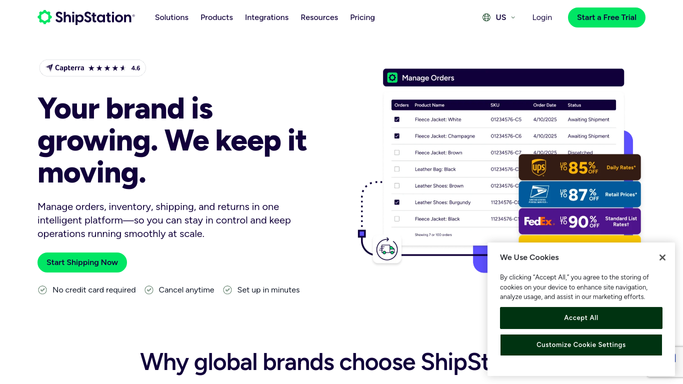
WebRun opens ShipStation to check current order volume and project daily run rate. - Open ShipStation and count orders currently in Awaiting Shipment status
- Compare the current order count against the expected order volume for this time of day based on your daily capacity baseline
- Project the end-of-day total using the current run rate
- Flag if the projection exceeds your capacity threshold, for example 120% of baseline
Done when Current order volume is measured, run rate projected, and a flag set if the surge threshold is met.
-
2
Slack - fire capacity surge alert to ops channel
slack.com How to Automate Slack
WebRun opens Slack to fire capacity surge alert to ops channel. - Post a surge alert to the ops Slack channel with the current order count, projected end-of-day total, and the percentage over capacity
- Include a recommendation on the number of additional picks per hour needed to meet the cut-off
- Suppress further alerts for the same surge event for the next 60 minutes to avoid channel noise
Done when Ops team is alerted with volume data and a recommended response before the surge peaks.

How do I get automatic alerts when ShipStation order volume is about to exceed my fulfillment capacity?
WebRun monitors ShipStation order volume every 30 minutes during business hours, projects the end-of-day total against your capacity baseline, and posts a surge alert to your ops Slack channel when volume is on track to exceed capacity. Your team gets the data and a staffing recommendation before the wave peaks, not after.
- Order surges detected 30 minutes into a spike rather than at end of day
- Staffing decisions made with projected data, not reactive guesswork
- Channel stays clean: alerts only fire when the surge threshold is actually breached
Built for e-commerce fulfillment managers · warehouse ops supervisors · high-volume DTC brands · seasonal retailers managing peak periods
How is each run configured?
Secure by default
Connect once, stays signed in
WebRun signs in once and keeps each session in a persistent environment, so every run picks up right where it left off.
Every action is checked against this policy before it runs.
Questions, answered
How does WebRun know my daily capacity baseline?
You set the daily order capacity at setup. You can also provide a day-of-week baseline if your Monday volume differs significantly from your Friday volume, and WebRun will apply the right baseline each day.
Will it alert me every 30 minutes all day even when volume is normal?
No. WebRun only posts to Slack when the projected volume exceeds your capacity threshold. Normal days produce no alerts. A second alert for the same surge is suppressed for 60 minutes.
Does it reschedule orders or change cut-off times automatically?
No. Operational decisions like extending cut-off times or adding staff are made by your team after receiving the alert. WebRun provides the data and the trigger; your team takes the action.
Related templates
Put this on autopilot.
Turn it on in minutes - or have our team set it up for you.