Generate your end-of-day shipping manifest automatically
Each evening, WebRun opens ShipStation, collects all shipments closed out during the business day, groups them by carrier and service level, calculates total label spend and package counts, appends the manifest to Google Sheets for your records, and posts a summary line to Slack so your dock and finance teams have everything they need to close the day.
- No credit card
- Under $0.01 per run
- Cancel anytime
What does WebRun do on every run?
The exact actions WebRun takes, in order - in plain language, so you can adjust anything.
-
WebRun signs in and gets to work
Opens
ship.shipstation.comin a real browser with your saved login - no setup, no API keys. -
1
ShipStation - collect today's closed shipments and label costs by carrier
shipstation.com How to Automate ShipStation

WebRun opens ShipStation to collect today's closed shipments and label costs by carrier. - Open ShipStation and filter Shipped orders to today's date
- Capture order number, channel, carrier, service level, tracking number, package count, weight, and label cost for each shipment
- Group shipments by carrier and service level
- Calculate total packages and total label spend per carrier and an overall daily total
Done when All of today's shipments are listed with carrier-sorted totals and tracking data.
-
2
Google Sheets - append dated manifest with carrier-sorted detail rows
google.com How to Automate Google Sheets
WebRun opens Google Sheets to append dated manifest with carrier-sorted detail rows. - Append a new dated tab to the end-of-day manifest workbook
- Write one detail row per shipment and a summary section at the top with carrier-level totals
- Include the overall daily totals: packages shipped, label spend, and number of unique orders
Done when Today's manifest is logged in Google Sheets with detail rows and carrier summary totals.
-
3
Slack - post end-of-day summary line to dock and finance channel
slack.com How to Automate Slack
WebRun opens Slack to post end-of-day summary line to dock and finance channel. - Post a single summary line to the designated Slack channel: today's date, total packages shipped, total label spend, and top carrier by volume
- Include a link to the Google Sheets manifest for the full breakdown
Done when Dock and finance teams have today's shipment summary and a manifest link in Slack.
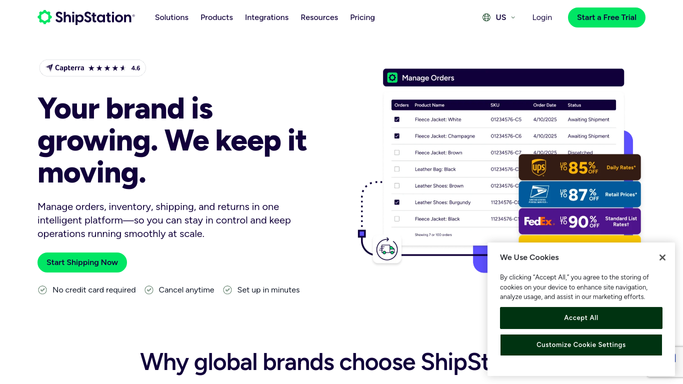


How do I automatically generate an end-of-day shipping manifest from ShipStation?
Each evening, WebRun opens ShipStation, collects every shipment closed during the business day, groups them by carrier and service level, and appends a detailed manifest to Google Sheets. A summary line posts to Slack so your dock and finance teams have the package counts, label spend, and a full manifest link before end of day.
- Complete carrier-sorted manifest in Google Sheets every evening without manual export
- Finance team sees daily label spend by carrier before they close the books
- Voided labels automatically excluded so the manifest reflects only real dispatched packages
Built for e-commerce fulfillment teams · warehouse dock supervisors · finance teams reconciling shipping spend · multi-carrier retailers
How is each run configured?
Secure by default
Connect once, stays signed in
WebRun signs in once and keeps each session in a persistent environment, so every run picks up right where it left off.
Every action is checked against this policy before it runs.
Questions, answered
Does it submit the manifest to the carrier?
No. Carrier manifest submission is handled through ShipStation's own end-of-day process. WebRun produces your internal record and summary; it does not interact with carrier systems directly.
Can it separate manifests by warehouse location?
Yes. If your ShipStation account uses multiple warehouse locations, WebRun can produce a separate manifest tab per location and a combined daily total.
What if some shipments were voided during the day?
WebRun reads only orders in Shipped status in ShipStation. Voided labels are excluded because they never reach Shipped status, so the manifest reflects only actual dispatched packages.
Related templates
Put this on autopilot.
Turn it on in minutes - or have our team set it up for you.