Nudge new customers through every onboarding step
Every morning, WebRun checks HubSpot for new customers still in the onboarding stage, identifies which step each one is stuck on, drafts a personalised nudge message in Intercom for the CSM to approve, and posts a progress overview to your #onboarding Slack channel.
- No credit card
- Under $0.01 per run
- Cancel anytime
What does WebRun do on every run?
The exact actions WebRun takes, in order - in plain language, so you can adjust anything.
-
WebRun signs in and gets to work
Opens
app.hubspot.comin a real browser with your saved login - no setup, no API keys. -
1
HubSpot - identify stalled onboarding customers
hubspot.com How to Automate HubSpot

WebRun opens HubSpot to identify stalled onboarding customers. - Open the Deals pipeline and filter to the Onboarding stage
- For each deal, check the onboarding checklist properties to find the last completed step
- Flag any customer who has not advanced in the past 3 days as 'stalled'
Done when All stalled onboarding customers are identified with their last completed step.
-
2
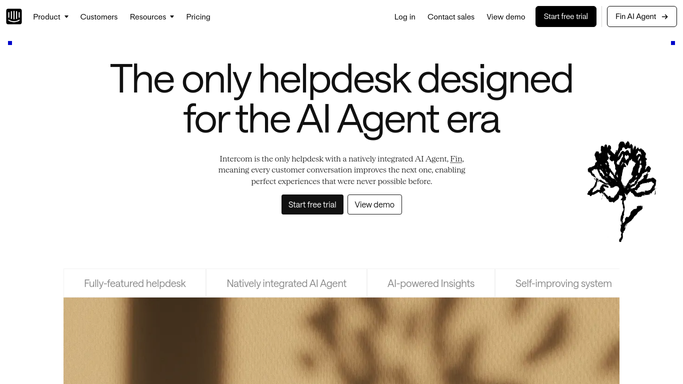
Intercom - draft the nudge message for each
intercom.com How to Automate Intercom
WebRun opens Intercom to draft the nudge message for each. - Locate the customer conversation in Intercom for each stalled account
- Draft a short, friendly nudge referencing the step they are on and explaining the benefit of completing it
- Save the message as a draft - the CSM reviews tone and clicks Send
Done when A personalised draft nudge exists in Intercom for each stalled customer - nothing sent yet.
-
3
Slack - post the onboarding progress overview
slack.com How to Automate Slack
WebRun opens Slack to post the onboarding progress overview. - Post today's onboarding digest to #onboarding: customer name, stalled step, days since last progress, and a link to the Intercom draft
- Highlight any customer stalled for more than 7 days so the CSM can consider a call
Done when The CSM team has a complete onboarding status view and draft links in Slack.


How can I automatically nudge new customers through onboarding steps?
Every morning, WebRun checks HubSpot for new customers still in the onboarding stage, identifies which step each one is stuck on, drafts a personalised nudge message in Intercom for the CSM to approve, and posts a progress overview to your Slack #onboarding channel - so new customers reach value faster and churn less.
- Every new customer nudged at the right moment in onboarding
- CSMs approve personalised messages before they send
- Onboarding progress visible to the whole team in Slack each morning
Built for customer success managers · SaaS companies · onboarding teams · product-led growth teams
How is each run configured?
Secure by default
Connect once, stays signed in
WebRun signs in once and keeps each session in a persistent environment, so every run picks up right where it left off.
Every action is checked against this policy before it runs.
Questions, answered
Will it message customers without a CSM approving first?
No - every nudge is saved as an Intercom draft. The CSM reads, adjusts if needed, and sends manually.
How does it know which step a customer is stuck on?
It reads the onboarding checklist properties in HubSpot - you map your steps to those fields once and WebRun reads them every morning.
What if a customer completes a step between runs?
The next morning's run will see the updated HubSpot property and either flag the next step or remove the customer from the stalled list entirely.
Related templates
Put this on autopilot.
Turn it on in minutes - or have our team set it up for you.