Get your best customers into a working list every week
Every Monday, WebRun opens Omnisend, pulls the current VIP or high-value customer segment, exports each contact with their spend and order details to Airtable, and emails the marketing lead an internal summary of who is new to the segment this week.
- No credit card
- Under $0.01 per run
- Cancel anytime
How do I export my Omnisend VIP customer segment every week?
WebRun pulls your VIP or high-value customer segment from Omnisend every Monday, exports the full list with spend and order details to Airtable, and emails the marketing lead an internal summary of who is new. The team gets a working, current list of its best customers without anyone exporting a CSV by hand.
- The team always has a current, working list of its best customers
- New VIP customers get flagged the same week they qualify
- No one spends Monday morning exporting segment CSVs by hand
Built for ecommerce marketers · Shopify store owners · loyalty program managers · marketing ops
What does WebRun do on every run?
The exact actions WebRun takes, in order - in plain language, so you can adjust anything.
-
WebRun signs in and gets to work
Opens
app.omnisend.comin a real browser with your saved login - no setup, no API keys. -
1
Omnisend - pull the VIP customer segment
omnisend.com
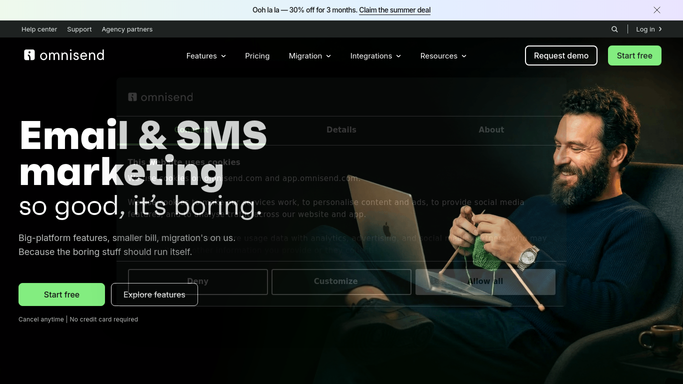
WebRun opens Omnisend to pull the VIP customer segment. - Open Omnisend and pull the current VIP or high-value customer segment
- Capture each contact's total spend, order count, and last order date
- Note which contacts are new to the segment since last week
Done when Every contact in the segment has been captured with its key details.
-
2
Airtable - export the list with details
airtable.com How to Automate Airtable

WebRun opens Airtable to export the list with details. - Export the segment into the shared Airtable base
- Update existing rows and add any newly qualified contact
- Tag the contacts who are new to the segment this week
Done when The Airtable base matches the current Omnisend segment.
-
3
Gmail - email the marketing lead a summary
gmail.com How to Automate Gmail

WebRun opens Gmail to email the marketing lead a summary. - Email the marketing lead an internal summary of the segment
- Call out how many contacts are new this week and the segment's total value
- Link to the full list in Airtable
Done when The marketing lead has this week's internal segment summary.
How is each run configured?
Secure by default
Connect once, stays signed in
WebRun signs in once and keeps each session in a persistent environment, so every run picks up right where it left off.
Every action is checked against this policy before it runs.
Questions, answered
Does it email the customers in the segment?
No. The Gmail step is an internal summary sent only to your marketing lead. WebRun never emails the customers in the segment or launches a campaign to them.
How is the VIP segment defined?
By whatever segment rules you already have set up in Omnisend, such as total spend or order count. WebRun reads the live segment rather than defining its own.
What happens to a customer who drops out of the segment?
The next export reflects the current Omnisend segment, so a contact who no longer qualifies is left out automatically.
Related templates
Put this on autopilot.
Turn it on in minutes - or have our team set it up for you.