Automated OKX Position Move Alerts
Every hour, WebRun signs in to OKX, reads the current value of each holding in your account, compares it with the value recorded on the previous run and at the start of the day, flags anything that has moved further than the percentage threshold you set, and posts the move, the size in your account currency, and the new position weight to Slack and Microsoft Teams.
How do I get alerted when one of my crypto holdings moves sharply?
WebRun reads your OKX holdings every hour, comparing each position's value against the previous run and the start of the day. When a holding moves further than the percentage threshold you set, it posts the asset, the move, the value change, and the new account share to Slack and Microsoft Teams. It never trades.
- Sharp moves reach you within the hour they happen
- Concentration limits are checked on every run
- Quiet hours produce no message at all
Built for crypto investors · treasury teams · trading desks · finance managers
What does WebRun do on every run?
The exact actions WebRun takes, in order - in plain language, so you can adjust anything.
-
WebRun signs in and gets to work
Opens
www.okx.comin a real browser with your saved login - no setup, no API keys. -
1
OKX - read current position values
okx.com
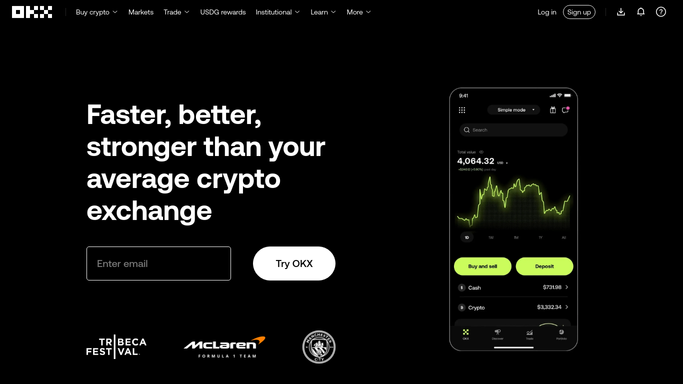
WebRun opens OKX to read current position values. - Sign in to OKX and open the account assets view
- Record each holding with its quantity, current value in your account currency, and share of total account value
- Compare each value with the figure from the previous run and with the value at the start of the day
- Flag any holding that moved further than your percentage threshold either way
- Flag any holding whose share of the account has crossed the concentration limit you set
- Never place, cancel, or modify an order. WebRun only reads
Done when Every holding has a current value, an hourly change, and a daily change.
-
2
Slack - alert on threshold moves
slack.com

WebRun opens Slack to alert on threshold moves. - Post an alert to your Slack channel for each flagged holding
- Give the asset, the percentage move, the change in account currency, and the new share of the account
- Group several flags from the same hour into one message
- Post nothing at all on hours where no holding crossed a threshold
Done when Every flagged move this hour is posted in Slack, or nothing crossed a threshold.
-
3
Microsoft Teams - mirror the alert for the team
microsoft.com

WebRun opens Microsoft Teams to mirror the alert for the team. - Mirror the same alert into your Microsoft Teams channel for anyone not in Slack
- Add a one-line total: how far the whole account has moved since the start of the day
- Keep the wording factual. Report the move and never suggest an action
Done when The team channel carries the same alert and the daily account move.
How is each run configured?
Secure by default
Connect once, stays signed in
WebRun signs in once and keeps each session in a persistent environment, so every run picks up right where it left off.
Every action is checked against this policy before it runs.
Questions, answered
Can it trade or move funds?
No. WebRun is strictly read-only on OKX. It never places an order, cancels one, withdraws, deposits, or transfers anything. It reports what your positions are doing and every decision stays yours.
Does it give advice on what to do?
No. The alert states the move, the value change, and the position weight as facts. WebRun is not a financial adviser and never suggests buying, selling, or holding anything.
How do I stop it alerting on small moves?
You set the percentage threshold and the concentration limit when you turn it on. Hours where nothing crosses those numbers produce no message at all.
Related templates
Put this on autopilot.
Turn it on in minutes - or have our team set it up for you.