Get warned before your Nexo loan LTV gets risky
Every hour, WebRun opens Nexo, reads your current loan-to-value ratio, collateral value, and outstanding loan balance, and the moment LTV climbs within the safety margin you set, posts an alert to Slack and sends a Telegram ping naming the current ratio and how much collateral or repayment would bring it back to safe territory.
- No credit card
- Under $0.01 per run
- Cancel anytime
How do I get warned before my Nexo loan LTV gets too risky?
WebRun checks your Nexo loan-to-value ratio every hour, and the moment it climbs within the safety margin you set, posts an alert to Slack and a matching Telegram ping naming the current LTV and how much collateral or repayment would bring it back to safe territory. Adding collateral or repaying is always your decision, WebRun only delivers the early warning.
- A rising LTV is caught hours before it risks a margin call
- The safety margin matches your own risk tolerance, not a generic default
- Two channels back each other up so a critical alert is less likely to be missed
Built for Nexo borrowers · crypto-backed loan users · crypto investors using leverage · DeFi and CeFi borrowers
What does WebRun do on every run?
The exact actions WebRun takes, in order - in plain language, so you can adjust anything.
-
WebRun signs in and gets to work
Opens
nexo.comin a real browser with your saved login - no setup, no API keys. -
1
Nexo - read loan LTV and collateral value
nexo.com
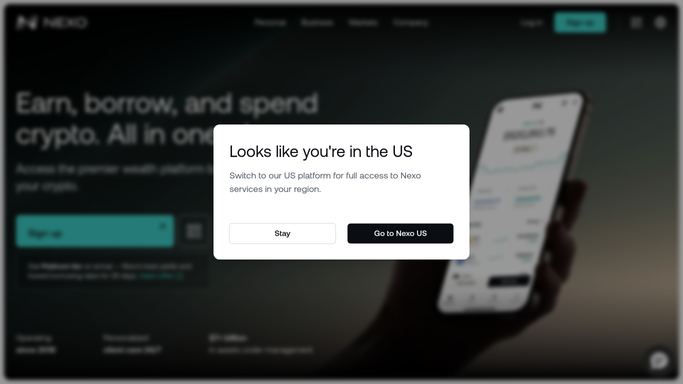
WebRun opens Nexo to read loan LTV and collateral value. - Open Nexo and read the current loan-to-value ratio on any active loan
- Read total collateral value and outstanding loan balance
- Compare the LTV to the safety margin you set
Done when Today's LTV and collateral position are captured for every active loan.
-
2
Slack - post the LTV alert
slack.com How to Automate Slack

WebRun opens Slack to post the LTV alert. - Post an alert only when LTV climbs within your set safety margin
- State the current LTV and the amount of collateral or repayment needed to reduce it
- Post nothing when LTV stays safely below the margin
Done when A Slack alert went out only when LTV genuinely needed attention.
-
3
Telegram - ping the risk warning
telegram.org How to Automate Telegram

WebRun opens Telegram to ping the risk warning. - Send a matching Telegram ping for the same LTV warning
- Keep the message short enough to act on immediately
- Send nothing when LTV is within your safe range
Done when A Telegram ping backs up every genuine LTV alert.
How is each run configured?
Secure by default
Connect once, stays signed in
WebRun signs in once and keeps each session in a persistent environment, so every run picks up right where it left off.
Every action is checked against this policy before it runs.
Questions, answered
Will WebRun add collateral or repay my Nexo loan automatically?
No. WebRun never places, cancels, or modifies a trade, and it never transfers funds or moves assets on its own. It only reads your LTV ratio and alerts you when it climbs near your safety margin. Adding collateral or repaying is always a step you take yourself directly on Nexo.
How is the safety margin set?
You define the LTV percentage that should trigger an alert when you turn the template on, so it reflects however much buffer you personally want before a margin call risk.
How quickly would I know if LTV started climbing?
Within the hour, since LTV is checked every hour by default. The check interval can be shortened for closer monitoring during volatile markets.
Related templates
Put this on autopilot.
Turn it on in minutes - or have our team set it up for you.