Pull your trading history into one sheet for the accountant
Every Monday, WebRun signs in to MEXC, reads last week's filled spot orders, deposits, withdrawals, and the fees on each, appends every record to a running Airtable ledger without duplicating anything, and posts the week's totals to Microsoft Teams so your accountant has a clean record all year.
- 7-day free trial
- Under $0.01 per run
- Cancel anytime

What does WebRun do on every run?
The exact actions WebRun takes, in order - in plain language, so you can adjust anything.
-
WebRun signs in and gets to work
Opens
www.mexc.comin a real browser with your saved login - no setup, no API keys. -
1
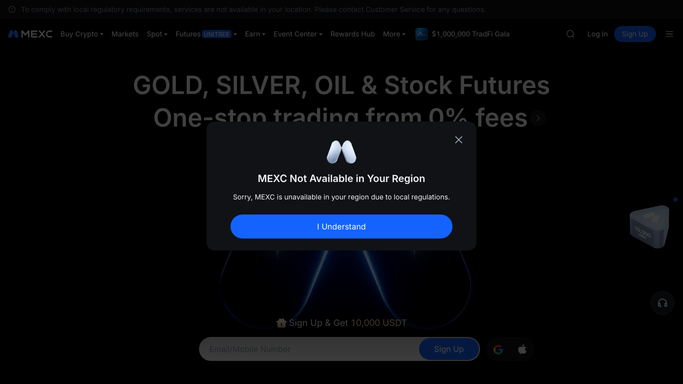
MEXC - read last week's fills and transfers
mexc.com

WebRun opens MEXC to read last week's fills and transfers. - Sign in to MEXC and set the trade history range to last Monday through Sunday
- Capture every filled spot order with its pair, side, quantity, price, timestamp, and fee
- Capture the deposits and withdrawals in the same window with their asset, amount, network, and fee
Done when Last week's fills, deposits, and withdrawals are all captured with their fees and timestamps.
-
2
Airtable - append to the running ledger
airtable.com How to Automate Airtable
WebRun opens Airtable to append to the running ledger. - Open your trading ledger base in Airtable and append one row per fill and per transfer
- Record the date, type, pair or asset, side, quantity, price, value, and fee on every row
- Check each order id against the base before writing so a re-run never duplicates a record
Done when Every record from last week is in the Airtable ledger exactly once.
-
3
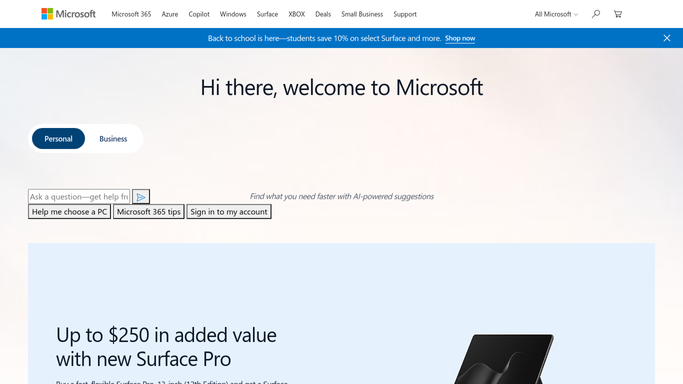
Microsoft Teams - post the week's totals
microsoft.com How to Automate Microsoft Teams
WebRun opens Microsoft Teams to post the week's totals. - Post a short weekly summary: number of fills, total traded value, total fees, and net deposits or withdrawals
- Note the year-to-date fee total so the running cost is visible before tax season
- Link the Airtable ledger for the accountant. WebRun places no orders and moves no funds
Done when The week's totals and a link to the ledger are in Microsoft Teams.

How do I export my crypto trading history into a sheet for tax?
WebRun signs in to MEXC every Monday and reads last week's filled spot orders, deposits, withdrawals, and fees. It appends each record to a running Airtable ledger, checking ids so nothing is duplicated, and posts the week's totals to Microsoft Teams, so your accountant has a clean record all year.
- Tax time starts with a complete ledger, not a manual export scramble
- Fees accumulate week by week instead of being discovered in April
- Duplicate records are impossible because every id is checked first
Built for active traders · crypto accountants · treasury teams · bookkeepers
How is each run configured?
Secure by default
Connect once, stays signed in
WebRun signs in once and keeps each session in a persistent environment, so every run picks up right where it left off.
Every action is checked against this policy before it runs.
Questions, answered
Will it trade or move funds?
No. This run is read-only on your exchange account. WebRun never places an order, never withdraws, and never transfers between accounts. It only copies completed records into your own ledger.
What stops the same trade being recorded twice?
Each order and transfer is matched by its id against the Airtable ledger before anything is written, so re-running the workflow or overlapping a date range adds nothing twice.
Does the accountant need access to my exchange?
No. They read the Airtable ledger, which holds the fills, transfers, and fees. Your exchange credentials stay with you and are never shared or included in any post.
Related templates
Put this on autopilot.
Turn it on in minutes - or have our team set it up for you.