Turn Messenger chats into logged leads
Every morning, WebRun opens Facebook Messenger, reads conversations that started since the last run, pulls the person's name and what they asked for, logs each one as a lead row in Airtable, and leaves a tailored follow-up email waiting as a Gmail draft.
- No credit card
- Under $0.01 per run
- Cancel anytime
How do I capture Facebook Messenger enquiries as leads automatically?
WebRun opens Facebook Messenger each morning and reads every conversation started since the last run. It logs each enquiry as a lead row in Airtable with the sender, the summary, and any contact details, then leaves a tailored follow-up waiting as an unsent Gmail draft for you to approve and send.
- Every Messenger enquiry becomes a tracked lead the same morning
- Follow-up emails are written and waiting, never sent without you
- Repeat enquiries land on the existing contact instead of creating duplicates
Built for small business owners · local services · ecommerce shops · sales teams
What does WebRun do on every run?
The exact actions WebRun takes, in order - in plain language, so you can adjust anything.
-
WebRun signs in and gets to work
Opens
www.facebook.com/messagesin a real browser with your saved login - no setup, no API keys. -
1
Facebook Messenger - read new conversations
messenger.com
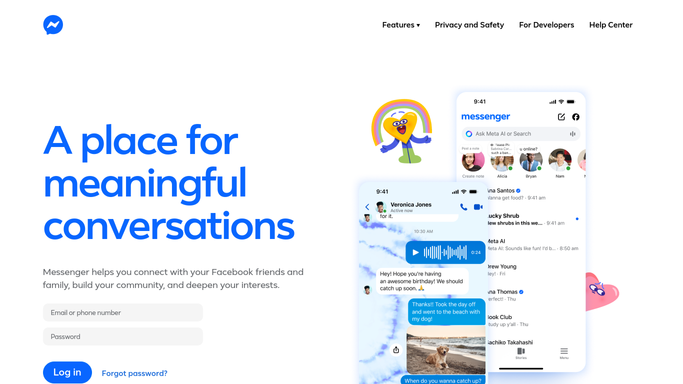
WebRun opens Facebook Messenger to read new conversations. - Open Facebook Messenger and list conversations that started since the last run
- Read the opening messages and summarise what the person is asking for
- Capture the sender name, the date, and any phone number or email they shared
- Mark anything that reads as a sales enquiry rather than a general question
Done when Every new Messenger conversation has a summary, a sender, and an enquiry type.
-
2
Airtable - log each enquiry as a lead
airtable.com How to Automate Airtable

WebRun opens Airtable to log each enquiry as a lead. - Open your leads base in Airtable
- Add one row per new enquiry with the name, the date, the summary, and any contact details shared
- Set the source field to Messenger and the status to New
- Skip anyone already in the base and add a note to their existing row instead
Done when Every new Messenger enquiry exists as a lead row in Airtable with a source and a status.
-
3
Gmail - draft the follow-up for approval
gmail.com How to Automate Gmail

WebRun opens Gmail to draft the follow-up for approval. - For each enquiry that shared an email address, write a short reply that answers the question asked
- Save it as a Gmail draft addressed to that person and never send it
- Add a one-line note in the draft naming the Messenger conversation it came from
- Leave every draft unsent so you can read, edit, and send each one yourself
Done when A reviewed-ready Gmail draft exists for every enquiry with an email address, and nothing has been sent.
How is each run configured?
Secure by default
Connect once, stays signed in
WebRun signs in once and keeps each session in a persistent environment, so every run picks up right where it left off.
Every action is checked against this policy before it runs.
Questions, answered
Will it reply to people in Messenger or send emails?
No. WebRun only reads Messenger and never types a reply there. Follow-up emails are saved as unsent Gmail drafts, so a person reads and sends every one.
What happens if the same person messages again?
They are matched to their existing Airtable row and a dated note is added to it, so one contact does not become three duplicate leads.
Does it read my personal conversations?
It reads new conversations in the inbox you connect and summarises them into your leads base. Point it at your business page inbox and personal threads stay out of scope.
Related templates
Put this on autopilot.
Turn it on in minutes - or have our team set it up for you.