Automated Merrill Edge Quarterly Holdings Export
On the first Monday of every quarter, WebRun opens Merrill Edge, reads every holding across your accounts with its current value and cost basis where shown, logs each position to an Airtable tracker, and writes a short Notion summary noting total value and the quarter's biggest movers.
How do I export and track my Merrill Edge holdings every quarter?
WebRun reads every holding across your Merrill Edge accounts once a quarter, capturing current value and cost basis, and logs each position to an Airtable tracker. It writes a Notion summary noting total account value and the quarter's biggest movers, so your holdings stay organized and reviewable between official statements.
- A full holdings history builds every quarter without a manual statement export
- The biggest gainer and loser are surfaced instead of buried in a long holdings list
- Cost basis is captured alongside value for a more complete record
Built for Merrill Edge investors · long-term investors · retirement savers · wealth management clients
What does WebRun do on every run?
The exact actions WebRun takes, in order - in plain language, so you can adjust anything.
-
WebRun signs in and gets to work
Opens
www.merrilledge.comin a real browser with your saved login - no setup, no API keys. -
1
Merrill Edge - read account holdings and value
merrilledge.com
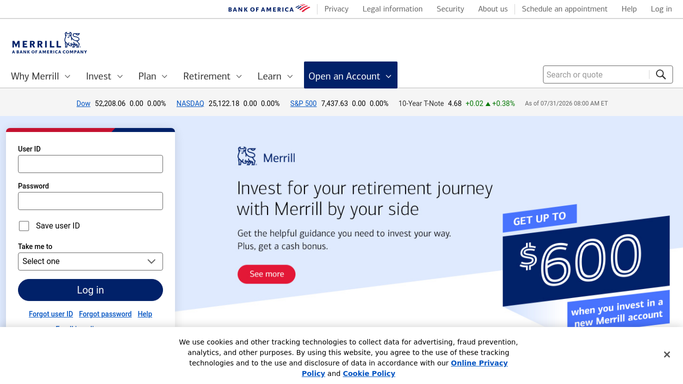
WebRun opens Merrill Edge to read account holdings and value. - Open Merrill Edge and read every holding across your accounts
- Capture current value, share count, and cost basis for each
- Calculate total account value and the change since last quarter
Done when Every holding and its current value is captured for this quarter.
-
2
Airtable - log each holding
airtable.com

WebRun opens Airtable to log each holding. - Append each holding as a new row with this quarter's value and cost basis
- Keep every prior quarter's rows untouched so the tracker builds a full history
- Total the account value at the top of the tracker
Done when This quarter's holdings are logged in Airtable.
-
3
Notion - write the quarterly summary
notion.so

WebRun opens Notion to write the quarterly summary. - Write a short summary noting total account value and its change since last quarter
- Name the biggest gainer and biggest loser among current holdings
- Link back to the full Airtable export
Done when This quarter's holdings summary page is published in Notion.
How is each run configured?
Secure by default
Connect once, stays signed in
WebRun signs in once and keeps each session in a persistent environment, so every run picks up right where it left off.
Every action is checked against this policy before it runs.
Questions, answered
Can WebRun buy, sell, or rebalance my Merrill Edge holdings?
No. WebRun only reads your current holdings and reports on them. It never places an order, never rebalances a position, and never moves funds in or out of your Merrill Edge account.
Does the export include cost basis?
Yes, wherever Merrill Edge shows it against a holding. That makes the Airtable export more useful for tracking real gains, not just current market value.
Why quarterly instead of more often?
Quarterly matches how most long-term holdings are meaningfully reviewed. You can shorten the cadence if you want a more frequent export instead.
Related templates
Put this on autopilot.
Turn it on in minutes - or have our team set it up for you.