Automated Meilisearch No-Result Query Reports
Every Monday, WebRun opens Meilisearch, reads the week's search analytics, ranks the most frequent queries that returned no results, checks whether matching documents exist in the index under different wording, files the ranked list in Google Drive, and logs each suggested synonym in Airtable for the developer who owns relevance.
How do I find the searches on my site that return no results?
WebRun reads your Meilisearch analytics every Monday and ranks the week's most frequent queries that returned nothing, checking whether matching documents exist under different wording. It files the ranked list in Google Drive and logs each suggested synonym in Airtable, so relevance work targets real user wording.
- The week's failed searches are ranked by real volume, not guessed at
- Synonym fixes are separated from genuine content gaps
- A recurring miss is visible across weeks instead of resetting each Monday
Built for developers · search engineers · ecommerce teams · product managers
What does WebRun do on every run?
The exact actions WebRun takes, in order - in plain language, so you can adjust anything.
-
WebRun signs in and gets to work
Opens
cloud.meilisearch.com/loginin a real browser with your saved login - no setup, no API keys. -
1
Meilisearch - rank the no-result queries
meilisearch.com
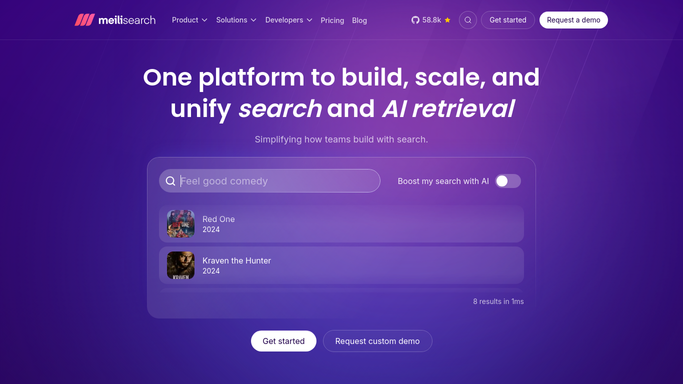
WebRun opens Meilisearch to rank the no-result queries. - Open Meilisearch and go to the search analytics for the last seven days
- List the queries that returned zero results, ranked by how often they were searched
- Check each one against the index to see whether a matching document exists under different wording
- Group near-identical queries so plurals and misspellings are counted as one miss
- Note which index each failing query was run against
Done when Every no-result query is ranked by frequency with a note on whether a matching document exists.
-
2
Google Drive - file the ranked list
drive.google.com

WebRun opens Google Drive to file the ranked list. - Write the week's ranked list of no-result queries into a dated file in Google Drive
- Show the query, how many times it was searched, the index it hit and whether content exists for it
- Split the list into two: queries a synonym would fix, and queries with genuinely missing content
- Keep previous weeks in place so a recurring miss is obvious over a month
Done when This week's ranked no-result report is filed in Google Drive.
-
3
Airtable - log the suggested synonyms
airtable.com

WebRun opens Airtable to log the suggested synonyms. - Add a row per suggested synonym: the user's wording, the term in the index it should map to, and the query volume behind it
- Mark rows where no document exists at all, since those are a content gap rather than a synonym fix
- Keep a status column so the developer can mark a synonym as added or rejected
- Leave every synonym unapplied. WebRun writes the suggestion, a person configures the index
Done when Every suggested synonym is logged in Airtable with its volume and status.
How is each run configured?
Secure by default
Connect once, stays signed in
WebRun signs in once and keeps each session in a persistent environment, so every run picks up right where it left off.
Every action is checked against this policy before it runs.
Questions, answered
Will it change my index or add synonyms itself?
No. WebRun writes every synonym as a suggestion in Airtable with the query volume behind it. It never edits an index, never adds a synonym and never changes ranking rules. A developer applies the change.
Does it tell content gaps apart from wording problems?
Yes. It checks the index for a matching document under different wording. If one exists, the query is listed as a synonym fix. If nothing matches at all, it is listed as missing content.
How are misspellings and plurals handled?
Near-identical queries are grouped so a term searched as a plural, a singular and a typo counts as one miss with the combined volume, rather than three thin entries at the bottom of the list.
Related templates
Put this on autopilot.
Turn it on in minutes - or have our team set it up for you.