Keep boaters informed on service and haul-out progress
Every morning, WebRun opens DockMaster and reviews open service and haul-out work orders. For any job that changed status since yesterday, it drafts a plain-English update email for the boater and posts your service manager a Slack digest of the full workload. Every customer email waits for your approval.
- No credit card
- Under $0.01 per run
- Cancel anytime
What does WebRun do on every run?
The exact actions WebRun takes, in order - in plain language, so you can adjust anything.
-
WebRun signs in and gets to work
Opens
www.dockmaster.com/loginin a real browser with your saved login - no setup, no API keys. -
1
DockMaster - check open service work orders
dockmaster.com How to Automate DockMaster

WebRun opens DockMaster to check open service work orders. - Open DockMaster and navigate to Service Management, then filter work orders to open and in-progress status
- Identify any work order whose status, notes, or completion percentage changed since the previous run
- Capture boater name, vessel name, job description, new status, and any technician notes added
Done when Every work order with a status change since yesterday is identified with updated details.
-
2
Gmail - draft boater status update emails
gmail.com How to Automate Gmail
WebRun opens Gmail to draft boater status update emails. - Draft a clear, jargon-free status update email for each boater whose work order changed
- Include the job description, current status, and an estimated completion if available in DockMaster
- Save every email as a Gmail draft. Do not send until your service manager has reviewed and approved it
Done when A review-ready Gmail draft exists for every boater with a job status change.
-
3
Slack - post service manager workload digest
slack.com How to Automate Slack
WebRun opens Slack to post service manager workload digest. - Post a daily workload digest to the service team Slack channel listing all open work orders
- Group by status: in-progress, waiting on parts, ready for delivery, and overdue
- Flag any job past its promised completion date so the manager can prioritize follow-up
Done when Service manager has today's full work-order status digest in Slack with overdue jobs flagged.
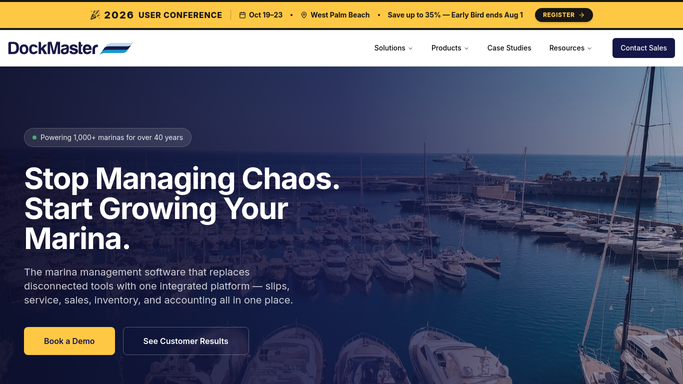


How do I automatically send boaters service work order status updates from my marina?
WebRun checks DockMaster every morning for service and haul-out work orders that changed status since the previous day. It drafts a plain-English update email for each affected boater in Gmail and posts the service team a full workload digest in Slack. No customer email is sent until your service manager reviews and approves it.
- Boaters get a proactive status update every time their job moves forward
- Service manager sees the full workload and overdue jobs in Slack each morning
- No customer email goes out without staff review and approval
Built for marina service managers · boatyard managers · yard technicians · full-service marinas
How is each run configured?
Secure by default
Connect once, stays signed in
WebRun signs in once and keeps each session in a persistent environment, so every run picks up right where it left off.
Every action is checked against this policy before it runs.
Questions, answered
Will it email boaters about their service job without my approval?
No. Every boater status update is saved as a Gmail draft for your service manager to review. Nothing reaches a customer until a staff member approves and sends it.
Does it run on weekends when the yard is quiet?
You can set the run days in your WebRun schedule. Many marinas run Monday through Saturday and skip Sunday. If no work orders changed, the Slack digest simply notes no updates.
What if a work order has no status change since yesterday?
Unchanged jobs still appear in the Slack digest for visibility, but no boater email draft is created unless the status or notes actually changed.
Related templates
Put this on autopilot.
Turn it on in minutes - or have our team set it up for you.