Automated Loomly Approval Queue Chase List
Every morning, WebRun opens Loomly, checks posts sitting in pending approval for more than two days, lists each one in a Google Sheet with who owns the approval, and updates a Notion tracker so nothing scheduled quietly misses its publish date.
How do I stop posts from stalling in Loomly's approval queue?
WebRun checks Loomly every morning for posts stuck in pending approval more than two days, lists each one in a Google Sheet by urgency, and keeps a Notion tracker following it until it clears. It never approves a post itself, leaving that decision to the assigned approver.
- No approved post misses its scheduled publish date
- Approvers see exactly what's waiting on them, ranked by urgency
- A stalled queue gets caught days before it becomes a missed post
Built for Marketing teams · agencies · content managers · social media teams
What does WebRun do on every run?
The exact actions WebRun takes, in order - in plain language, so you can adjust anything.
-
WebRun signs in and gets to work
Opens
app.loomly.comin a real browser with your saved login - no setup, no API keys. -
1
Loomly - check posts stuck in approval
loomly.com
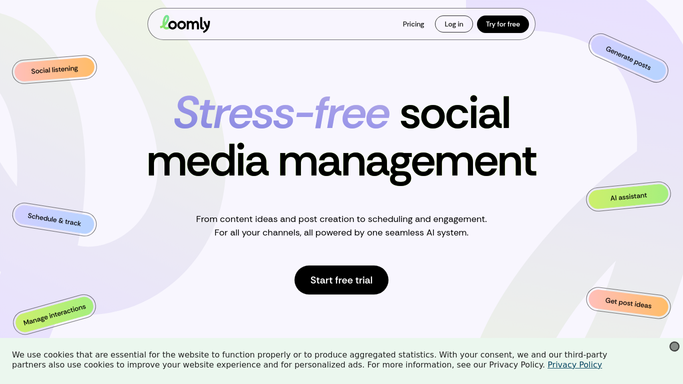
WebRun opens Loomly to check posts stuck in approval. - Open Loomly and review posts in the pending approval status
- Note how many days each post has waited and who it's assigned to
- Flag any post waiting more than 2 days or close to its publish date
Done when Every pending approval has been checked and timed.
-
2
Google Sheets - list the aging approvals
google.com

WebRun opens Google Sheets to list the aging approvals. - Open the approval chase list
- Add a row for each aging post with owner and days waiting
- Sort so posts closest to their publish date sit at the top
Done when Every aging approval is listed and sorted by urgency.
-
3
Notion - track the chase
notion.so

WebRun opens Notion to track the chase. - Open the approval tracker page in Notion
- Add or update a task for each aging post assigned to its approver
- Mark a task complete once the post is approved in Loomly
Done when The Notion tracker reflects every post still waiting on approval.
How is each run configured?
Secure by default
Connect once, stays signed in
WebRun signs in once and keeps each session in a persistent environment, so every run picks up right where it left off.
Every action is checked against this policy before it runs.
Questions, answered
Does WebRun approve posts on its own?
No. It only lists and tracks posts waiting for approval. Approving a post in Loomly is always a decision made by the assigned approver.
How is urgency decided?
By how many days a post has waited and how close it is to its scheduled publish date, so the most time-sensitive approvals sort to the top.
What happens once a post gets approved?
It's marked complete in the Notion tracker and drops off the Sheet's chase list on the next run.
Related templates
Put this on autopilot.
Turn it on in minutes - or have our team set it up for you.