Make sure sessions are still recording after every release
Every morning, WebRun opens LogRocket, reads yesterday's session volume for each project, compares it against the recent daily baseline, checks the SDK version and error volume for a matching change, posts any drop to Slack, and drafts the frontend lead an email when a project looks like it stopped recording.
- No credit card
- Under $0.01 per run
- Cancel anytime
How do I know if session recording broke after a release?
WebRun checks your LogRocket instrumentation every morning. It reads yesterday's session volume for each project, compares it against the recent baseline for the same weekday, and looks at the SDK version and error counts for a matching change. Drops post to Slack and a drafted email waits for your frontend lead, so a broken snippet is fixed in a day.
- A broken snippet is caught the next morning, not a week later
- Quiet weekends do not trigger a false alarm
- The SDK version and deploy timing are already in the alert
Built for frontend leads · product analysts · engineering managers · growth teams
What does WebRun do on every run?
The exact actions WebRun takes, in order - in plain language, so you can adjust anything.
-
WebRun signs in and gets to work
Opens
app.logrocket.comin a real browser with your saved login - no setup, no API keys. -
1
LogRocket - compare session volume to baseline
logrocket.com
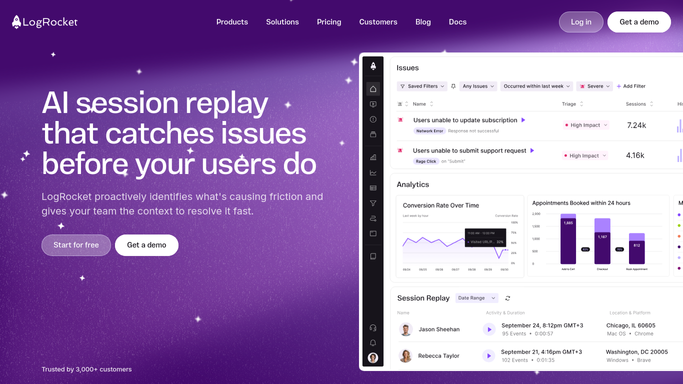
WebRun opens LogRocket to compare session volume to baseline. - Open LogRocket and list the projects you asked it to watch
- Read yesterday's session count for each project
- Compare it against the recent daily average for the same weekday
- Note the SDK version reported and whether it changed since the last run
- Check whether error volume moved in the same direction, which points to a deploy
Done when Every project has yesterday's session count against its baseline.
-
2
Slack - post the coverage drop
slack.com How to Automate Slack

WebRun opens Slack to post the coverage drop. - Post any project whose session volume fell past the threshold you set to your engineering channel
- Show yesterday's count, the baseline, the percentage drop, and the SDK version
- Escalate loudly when a project recorded no sessions at all
- Stay quiet for projects tracking normally so the channel only carries signal
Done when Every project below its baseline has been posted in Slack.
-
3
Gmail - draft the frontend lead an email
gmail.com How to Automate Gmail

WebRun opens Gmail to draft the frontend lead an email. - Draft an email to the frontend lead when a project looks like it stopped recording
- Include the project, the drop, the SDK version, and the date the volume changed
- Suggest checking the snippet and the last deploy as the first two things to look at
- Leave the email unsent in Drafts. WebRun never emails without your approval
Done when An email to the frontend lead is drafted for every suspected break.
How is each run configured?
Secure by default
Connect once, stays signed in
WebRun signs in once and keeps each session in a persistent environment, so every run picks up right where it left off.
Every action is checked against this policy before it runs.
Questions, answered
Will it email anyone on its own?
No. The email to your frontend lead is left unsent in Gmail drafts for you to review. Only the internal Slack post, seen by your own engineers, goes up automatically.
How does it tell a quiet day from a broken snippet?
It compares against the recent average for the same weekday, so a normal quiet Sunday does not fire. A project recording zero sessions is escalated separately from a partial drop.
Does it change anything in LogRocket?
No. It reads session volume, SDK version, and error counts only. It never edits a project, changes settings, or deletes a session recording.
Related templates
Put this on autopilot.
Turn it on in minutes - or have our team set it up for you.