Get your Linktree signups into the list you send from
Every morning, WebRun opens Linktree, reads the submissions collected by your signup link, pulls out the new email addresses and where each one came from, gets them into your mailing list through Gmail, and posts the overnight count to Slack.
- No credit card
- Under $0.01 per run
- Cancel anytime
How do I get Linktree email signups onto my mailing list?
WebRun collects the email signups sitting in your Linktree audience every morning, capturing the address, the date, and the link each person came through. It moves them onto your mailing list through Gmail and posts the overnight count to Slack, so your next launch email reaches everyone who joined.
- New signups reach your mailing list within a day, not a month
- Every subscriber carries the link that brought them in
- You see which bio link actually drives signups
Built for creators · musicians · solo founders · social media managers
What does WebRun do on every run?
The exact actions WebRun takes, in order - in plain language, so you can adjust anything.
-
WebRun signs in and gets to work
Opens
linktr.ee/loginin a real browser with your saved login - no setup, no API keys. -
1
Linktree - collect new signups
linktr.ee
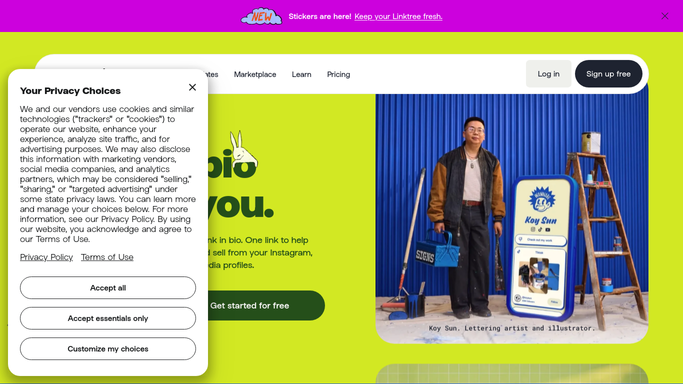
WebRun opens Linktree to collect new signups. - Open Linktree and go to the audience collected by your signup form
- Capture every submission added since the last run: the email address, the name if given, and the date
- Note which link on the page the person came through, so you can see what drives signups
- Drop obvious duplicates and anything already carried over on an earlier run
Done when Every new signup since the last run is captured with its email, date, and source link.
-
2
Gmail - get them onto your list
gmail.com How to Automate Gmail

WebRun opens Gmail to get them onto your list. - Open Gmail and prepare the import your mailing list expects, one row per new subscriber
- Attach the email, name, signup date, and source link to each row
- Send the import to your list provider's upload address, or leave it as a draft when you would rather check it first
- Never email the new subscribers themselves. WebRun only moves the addresses onto your list
Done when Yesterday's signups are queued for your mailing list with their source attached.
-
3
Slack - report the day's count
slack.com How to Automate Slack

WebRun opens Slack to report the day's count. - Post the overnight signup count to your Slack channel
- Break the count down by which link on your Linktree page brought each person in
- Compare against the same day last week so a spike after a post is obvious
Done when Slack has today's signup count with its source breakdown.
How is each run configured?
Secure by default
Connect once, stays signed in
WebRun signs in once and keeps each session in a persistent environment, so every run picks up right where it left off.
Every action is checked against this policy before it runs.
Questions, answered
Will it email my new subscribers?
No. WebRun only moves the addresses from your Linktree audience onto your mailing list. It never writes to a subscriber, and any welcome sequence stays under your own control.
Can I review the list before it is imported?
Yes. Set it to leave the import as a Gmail draft and nothing goes to your list provider until you send it, so you can strip a typo or a test entry first.
What stops the same person being added twice?
WebRun tracks which submissions it has already carried over and drops duplicates within the batch, so a person who signs up twice in a week is imported once.
Related templates
Put this on autopilot.
Turn it on in minutes - or have our team set it up for you.