Flag CAM reconciliation variances before you pay
Every month, WebRun opens Occupier, checks each lease's common area maintenance reconciliation against its budgeted estimate and any lease cap or gross up provision, logs the variance to a Google Sheet, and drafts a query email in Gmail for the property manager on anything over your threshold.
- No credit card
- Under $0.01 per run
- Cancel anytime
What does WebRun do on every run?
The exact actions WebRun takes, in order - in plain language, so you can adjust anything.
-
WebRun signs in and gets to work
Opens
occupier.comin a real browser with your saved login - no setup, no API keys. -
1
Occupier - read the CAM reconciliation and lease terms
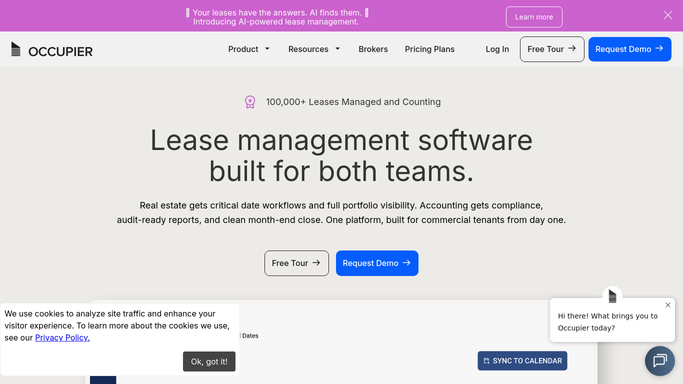
occupier.com How to Automate Occupier

WebRun opens Occupier to read the CAM reconciliation and lease terms. - Open Occupier and pull each lease's CAM reconciliation statement and its budgeted estimate for the period
- Check the lease abstract for any CAM cap, base year, or gross up provision
- Capture the billed actual, the budgeted estimate, and the cap for each lease
Done when Every posted CAM reconciliation is captured with its actual, budget, and cap terms.
-
2
Google Sheets - log actual versus budget and cap
google.com How to Automate Google Sheets
WebRun opens Google Sheets to log actual versus budget and cap. - Open the CAM Variance Tracker sheet
- Append a row per lease with the actual, budget, cap, and the dollar and percentage variance
- Sort so the largest variances sit at the top
Done when The tracker reflects every reconciliation this period with its variance, largest first.
-
3
Gmail - draft the variance query
gmail.com How to Automate Gmail
WebRun opens Gmail to draft the variance query. - Draft a query email to the landlord's property manager for any lease where the variance exceeds your threshold
- Reference the specific line items and the lease's cap or gross up language
- Leave every draft unsent in Gmail for the lease admin team to review before it goes out. Do not send anything automatically
Done when A Gmail draft exists for every over threshold variance, awaiting review.


How do I catch CAM reconciliation overcharges before paying them?
WebRun checks each posted CAM reconciliation in Occupier against its budgeted estimate and any lease cap or gross up provision. It logs the actual, budget, and variance to Google Sheets for every lease, then drafts a query email in Gmail for anything over your threshold, so overbilled common area charges get caught before you pay them.
- Overbilled CAM charges get flagged before payment goes out
- Every reconciliation is checked against its lease cap automatically
- Property managers get a specific, referenced query instead of a guess
Built for lease administrators · commercial tenants · retail operators · real estate finance teams
How is each run configured?
Secure by default
Connect once, stays signed in
WebRun signs in once and keeps each session in a persistent environment, so every run picks up right where it left off.
Every action is checked against this policy before it runs.
Questions, answered
Will it send a dispute to the landlord automatically?
No. WebRun only drafts the query email in Gmail. It always leaves the message unsent so your lease admin team can review the numbers and decide before anything goes to the landlord.
How does it decide what's over threshold?
It compares the billed actual against the budgeted estimate and any cap or gross up provision on the lease, then flags a dollar or percentage variance you set as the trigger for a drafted query.
Does it check the lease cap automatically?
Yes. It reads the CAM cap, base year, and gross up terms from the lease abstract in Occupier before calculating the variance, so capped charges are checked against the right ceiling.
Related templates
Put this on autopilot.
Turn it on in minutes - or have our team set it up for you.