Follow up on expiring leases before they lapse
Every Monday, WebRun opens AppFolio, finds every lease expiring within 60 days, drafts a personalised renewal-offer email for each tenant with the new terms, and posts the draft queue to your Slack for one-click review and approval.
- No credit card
- Under $0.01 per run
- Cancel anytime
What does WebRun do on every run?
The exact actions WebRun takes, in order - in plain language, so you can adjust anything.
-
WebRun signs in and gets to work
Opens
app.appfolio.comin a real browser with your saved login - no setup, no API keys. -
1
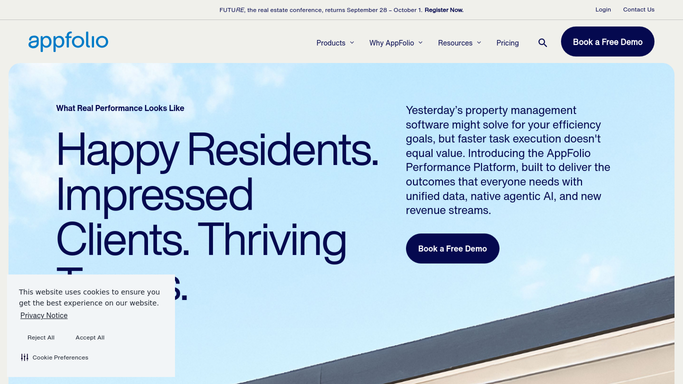
AppFolio - find leases expiring in 60 days
appfolio.com How to Automate AppFolio

WebRun opens AppFolio to find leases expiring in 60 days. - Go to the Lease Expiration report in AppFolio and filter to leases ending within 60 days
- Capture tenant name, unit, current rent, lease end date, and renewal eligibility status
- Note any tenants already in a renewal conversation or flagged as Do Not Renew
Done when All expiring leases are listed with tenant details and renewal status.
-
2
Gmail - draft personalised renewal offers
gmail.com How to Automate Gmail
WebRun opens Gmail to draft personalised renewal offers. - Draft a renewal offer email for each eligible tenant including their unit, current rent, proposed new rate, and new lease term
- Use a warm, professional tone that emphasises continuity and any loyalty incentive you have set
- Save as a Gmail draft - nothing is sent until you approve
Done when A personalised renewal-offer draft exists in Gmail for every eligible expiring lease.
-
3
Slack - queue the drafts for your approval
slack.com How to Automate Slack
WebRun opens Slack to queue the drafts for your approval. - Post a summary to #renewals listing each tenant, unit, expiry date, and the proposed new rate
- Provide a Gmail draft link for each so you can approve in one click
- Flag leases expiring within 30 days as High Priority at the top of the list
Done when Your renewal queue is in Slack with priority flagging and one-click draft links.


How can I automatically follow up on expiring leases before they lapse?
Every Monday, WebRun opens AppFolio, finds every lease expiring within 60 days, drafts a personalised renewal-offer email for each tenant with the new terms, and posts the draft queue to your Slack - you review and approve before any message reaches a tenant.
- No lease lapses due to a missed follow-up
- Renewal drafts ready each Monday for quick one-click approval
- Consistent renewal outreach across your entire portfolio
Built for property managers · landlords · residential property companies · leasing agents
How is each run configured?
Secure by default
Connect once, stays signed in
WebRun signs in once and keeps each session in a persistent environment, so every run picks up right where it left off.
Every action is checked against this policy before it runs.
Questions, answered
Will it send the renewal offer without me reviewing it?
No. Every offer is a Gmail draft until you approve. The Slack summary makes it easy to work through the queue quickly.
What if I want to offer a different rent increase to different tenants?
Add a 'Proposed rate' column to AppFolio or a notes sheet and WebRun will read it to personalise each offer.
What about tenants marked Do Not Renew?
They are skipped from the renewal queue. WebRun logs them separately so you can plan the vacancy.
Related templates
Put this on autopilot.
Turn it on in minutes - or have our team set it up for you.