Mirror your Keybase updates to Slack and Telegram
Every hour, WebRun checks your Keybase team for new announcements and pinned updates, then cross-posts each one to Slack and Telegram so teammates without a Keybase account never miss an update.
- No credit card
- Under $0.01 per run
- Cancel anytime
How do I mirror Keybase team updates to Slack and Telegram?
WebRun checks your Keybase team every hour for new announcements and pinned updates, then cross-posts each one to Slack and Telegram. It skips anything already mirrored in an earlier run, so teammates without a Keybase account still see every update, and nothing gets posted twice across the two channels.
- Team updates reach everyone regardless of which app they use
- Nothing gets posted twice across channels
- Announcements are mirrored within the hour
Built for Engineering teams · Security-conscious teams · Distributed teams · Open source maintainers
What does WebRun do on every run?
The exact actions WebRun takes, in order - in plain language, so you can adjust anything.
-
WebRun signs in and gets to work
Opens
keybase.ioin a real browser with your saved login - no setup, no API keys. -
1
Keybase - check for new team updates
keybase.io
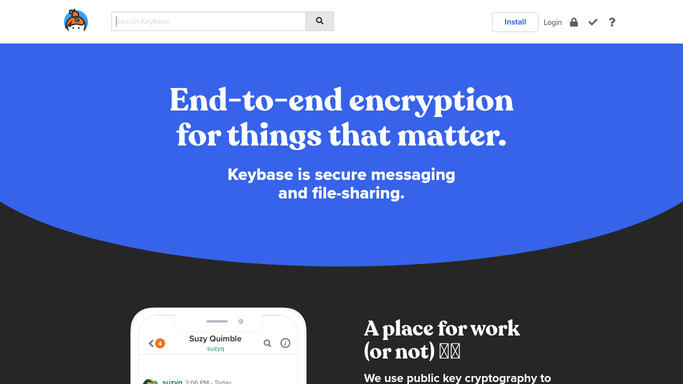
WebRun opens Keybase to check for new team updates. - Open the Keybase team and check announcement channels
- Note any new post or pinned update since the last check
- Copy the update text and any attached file names
Done when Every new Keybase update since the last run is captured.
-
2
Slack - cross-post to the team channel
slack.com How to Automate Slack

WebRun opens Slack to cross-post to the team channel. - Open the team channel
- Post the update with a note that it originated in Keybase
- Keep formatting and links intact
Done when The update is posted in Slack.
-
3
Telegram - cross-post to the group chat
telegram.org How to Automate Telegram

WebRun opens Telegram to cross-post to the group chat. - Open the linked group chat
- Post the same update for members without Keybase access
- Skip anything already posted this run
Done when The update is posted in Telegram.
How is each run configured?
Secure by default
Connect once, stays signed in
WebRun signs in once and keeps each session in a persistent environment, so every run picks up right where it left off.
Every action is checked against this policy before it runs.
Questions, answered
Does WebRun read private Keybase chats?
No. It only checks the team's announcement and pinned update channels, not private one-to-one conversations.
Will the same update get posted twice?
No. WebRun skips anything it already cross-posted in an earlier run, so Slack and Telegram only see each update once.
Why cross-post instead of just using Keybase?
Because not everyone on the team has a Keybase account. Mirroring updates to Slack and Telegram means nobody has to check a third app.
Related templates
Put this on autopilot.
Turn it on in minutes - or have our team set it up for you.