Check new Keap customers through onboarding
When a new Keap contact is tagged as a customer, WebRun checks that the welcome sequence is enrolled, the correct tag applied, and the pipeline stage updated, then posts confirmation to Slack with a copy to Telegram so the team knows onboarding started correctly.
- No credit card
- Under $0.01 per run
- Cancel anytime
What does WebRun do on every run?
The exact actions WebRun takes, in order - in plain language, so you can adjust anything.
-
WebRun signs in and gets to work
Opens
keap.comin a real browser with your saved login - no setup, no API keys. -
1
Keap - check the new customer's setup
keap.com

WebRun opens Keap to check the new customer's setup. - Open Keap and find the contact just tagged as a customer
- Confirm the welcome automation sequence is enrolled
- Check that the pipeline stage reflects the new customer status
Done when The new customer's onboarding checklist has been verified.
-
2
Slack - post confirmation
slack.com How to Automate Slack
WebRun opens Slack to post confirmation. - Open the customer success channel in Slack
- Post confirmation that onboarding started correctly
- Flag anything missing, such as an unenrolled sequence
Done when The Slack channel has confirmation for the new customer.
-
3
Telegram - share a copy with the team
telegram.org How to Automate Telegram
WebRun opens Telegram to share a copy with the team. - Open the team group in Telegram
- Share the same onboarding confirmation
- Keep it short enough to scan on mobile
Done when The team has the confirmation in Telegram as well as Slack.
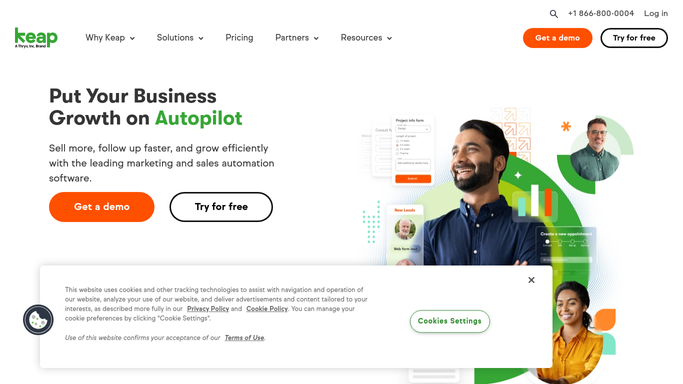


How do I confirm new Keap customers complete onboarding correctly?
WebRun checks Keap the moment a new contact is tagged as a customer, confirms the welcome sequence is enrolled, the right tag applied, and the pipeline stage updated, then posts confirmation to Slack with a copy to Telegram, so your team knows every new customer's onboarding started correctly.
- Every new customer's onboarding setup is verified within minutes
- Missed automation steps get flagged immediately
- The team gets confirmation in both Slack and Telegram
Built for small business owners · Keap users · customer success teams
How is each run configured?
Secure by default
Connect once, stays signed in
WebRun signs in once and keeps each session in a persistent environment, so every run picks up right where it left off.
Every action is checked against this policy before it runs.
Questions, answered
Does it enroll the customer in the sequence itself?
No. WebRun only checks whether your existing Keap automation already enrolled them. It doesn't create or trigger automations on its own.
Does it message the new customer?
No. The confirmation goes to your internal Slack and Telegram channels, never to the customer directly.
What happens if a step is missing?
It gets flagged in the Slack post so your team can fix it manually, WebRun doesn't retry the automation itself.
Related templates
Put this on autopilot.
Turn it on in minutes - or have our team set it up for you.