Give your best jewelry customers the personal attention they deserve
Every Monday, WebRun opens Jewel360, identifies VIP customers who have not purchased in the last 90 days, reviews their full purchase history for personalization context, drafts a bespoke outreach message for each in Podium, and logs every contact in Google Sheets, leaving all messages unsent for your senior associate to review.
- No credit card
- Under $0.01 per run
- Cancel anytime
What does WebRun do on every run?
The exact actions WebRun takes, in order - in plain language, so you can adjust anything.
-
WebRun signs in and gets to work
Opens
jewel360.comin a real browser with your saved login - no setup, no API keys. -
1
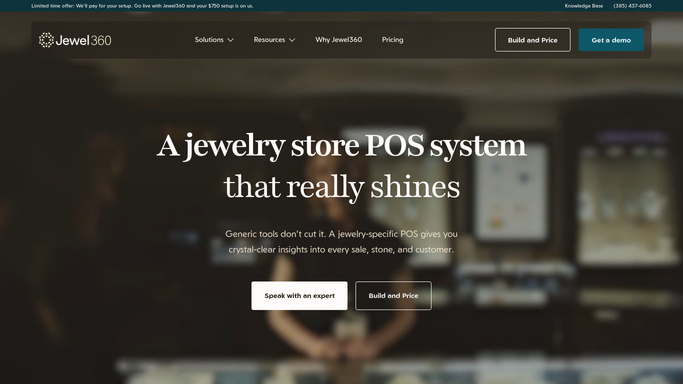
Jewel360 - identify lapsed VIP customers
jewel360.com How to Automate Jewel360

WebRun opens Jewel360 to identify lapsed VIP customers. - Open Jewel360 and filter customers tagged as VIP or with lifetime spend above your threshold
- Identify those whose last purchase was more than 90 days ago
- Capture name, contact details, last purchase date, total spend, favorite categories, and the associate who last served them
Done when Every lapsed VIP customer is identified with their full purchase context.
-
2
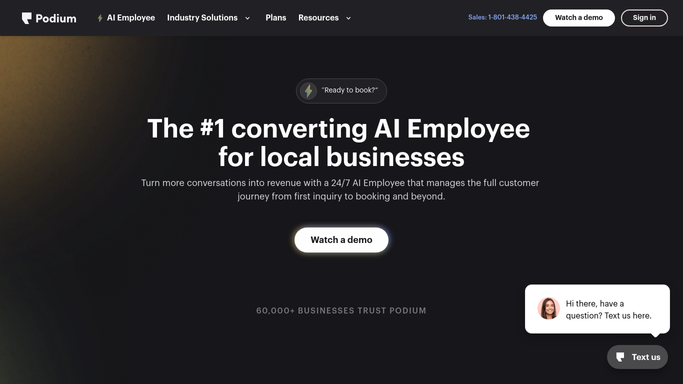
Podium - draft personalized VIP outreach
podium.com How to Automate Podium
WebRun opens Podium to draft personalized VIP outreach. - Draft a warm, personalized outreach message for each VIP customer in Podium, referencing their specific purchase history and any new arrivals relevant to their taste
- Suggest an exclusive preview, a private appointment, or a new collection that matches their preferences
- Keep the tone personal and VIP-appropriate, not promotional or generic
- Leave every message unsent for the senior associate to review, personalize further, and send
Done when A bespoke outreach draft is ready in Podium for every lapsed VIP customer.
-
3
Google Sheets - log VIP outreach for tracking
google.com How to Automate Google Sheets
WebRun opens Google Sheets to log VIP outreach for tracking. - Append each VIP to the clienteling log with their name, last purchase date, and draft date
- Record which associate is assigned to follow up
- Update the log when outreach is sent and when the customer responds or purchases
Done when The VIP clienteling log is updated with this week's outreach batch.

How do I automatically reach out to lapsed VIP jewelry customers with personalized messages?
WebRun checks Jewel360 every Monday for VIP customers who have not purchased in 90 days, reviews their purchase history for personalization context, and drafts a bespoke outreach message for each in Podium. All messages are queued for a senior associate to review before sending, turning VIP clienteling from a manual task into a consistent weekly habit.
- VIP customers receive a personal, relevant outreach every quarter instead of being forgotten
- Associates start each week with a ready-to-send list of high-value customers to contact
- Repeat purchases from top customers increase with consistent, personalized attention
Built for fine jewelry retailers · independent jewelers · jewelry store sales associates · jewelry store owners focused on clienteling
How is each run configured?
Secure by default
Connect once, stays signed in
WebRun signs in once and keeps each session in a persistent environment, so every run picks up right where it left off.
Every action is checked against this policy before it runs.
Questions, answered
Will it contact VIP customers without my staff reviewing the message first?
No. Every outreach draft is staged in Podium for a senior associate to review, personalize, and send. No message reaches a VIP customer without human approval.
How does it decide who counts as a VIP customer?
It uses the VIP tag or lifetime-spend threshold you configure in Jewel360. You set the criteria during setup so the list reflects your store's definition of a top customer.
What if a VIP customer was already contacted last week?
The Google Sheet clienteling log records every outreach date. WebRun checks the log each run and skips customers contacted in the last 30 days to avoid over-messaging.
Related templates
Put this on autopilot.
Turn it on in minutes - or have our team set it up for you.