Remind customers to renew their jewelry appraisals on time
Every Monday, WebRun opens Jewel360, finds appraisals expiring within the next 60 days, drafts a personalized renewal reminder email for each customer, and logs the outreach to a Google Sheet for your records, leaving every email unsent for staff to approve.
- No credit card
- Under $0.01 per run
- Cancel anytime
What does WebRun do on every run?
The exact actions WebRun takes, in order - in plain language, so you can adjust anything.
-
WebRun signs in and gets to work
Opens
jewel360.comin a real browser with your saved login - no setup, no API keys. -
1
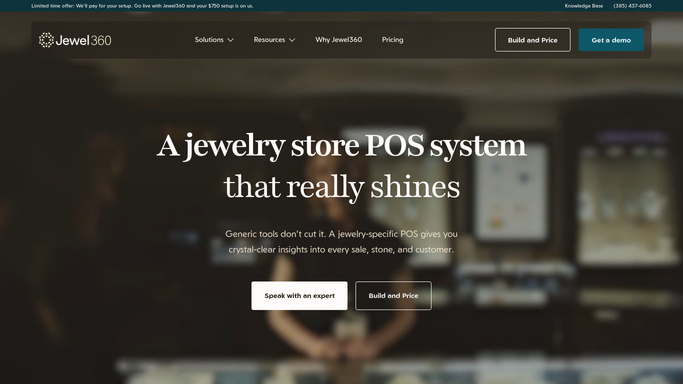
Jewel360 - find appraisals expiring soon
jewel360.com How to Automate Jewel360

WebRun opens Jewel360 to find appraisals expiring soon. - Open Jewel360 and navigate to the Appraisals module
- Filter for appraisals with an expiry date within the next 60 days
- Capture customer name, contact email, item description, appraisal date, and expiry date
Done when Every appraisal expiring within 60 days is listed with customer and item details.
-
2
Gmail - draft renewal reminder emails
gmail.com How to Automate Gmail
WebRun opens Gmail to draft renewal reminder emails. - Draft a warm renewal reminder email for each customer, naming the specific item and its appraisal expiry date
- Explain why keeping an appraisal current matters for insurance purposes
- Include a call to action to book an appointment at your store
- Save each as a Gmail draft, unsent, for staff review before sending
Done when A personalized renewal reminder draft is ready for every expiring appraisal.
-
3
Google Sheets - log outreach for records
google.com How to Automate Google Sheets
WebRun opens Google Sheets to log outreach for records. - Append a row to the appraisal outreach log for each customer contacted this week
- Record the customer name, item, expiry date, draft creation date, and status
- Mark any customer who was already reminded in the last 30 days to avoid duplicates
Done when The outreach log is updated with this week's batch of renewal reminders.


How do I automatically remind jewelry customers to renew their appraisals?
WebRun checks Jewel360 every Monday for appraisals expiring in the next 60 days, drafts a personalized renewal reminder email for each customer in Gmail, and logs every outreach in Google Sheets. All emails are queued for staff review before sending, turning a manual follow-up task into a hands-off weekly routine.
- No expiring appraisal slips through without a timely customer reminder
- Staff spend zero time manually scanning for expiry dates each week
- Customers return for appraisal renewals instead of going elsewhere
Built for retail jewelers · jewelry appraisers · independent jewelry stores · jewelry store owners
How is each run configured?
Secure by default
Connect once, stays signed in
WebRun signs in once and keeps each session in a persistent environment, so every run picks up right where it left off.
Every action is checked against this policy before it runs.
Questions, answered
Will it contact customers without my staff reviewing first?
No. Every reminder is saved as a Gmail draft. A staff member reviews and sends each one, so nothing goes to a customer without human approval.
How far in advance does it flag appraisals?
It flags appraisals expiring within the next 60 days by default. You can adjust the look-ahead window during setup to match your store's preferred lead time.
What if a customer has already rebooked?
The Google Sheet log tracks previous outreach, and WebRun skips customers who were already reminded in the last 30 days to avoid sending duplicate messages.
Related templates
Put this on autopilot.
Turn it on in minutes - or have our team set it up for you.