Collect more jewelry reviews while the purchase is still fresh
Every morning, WebRun checks Jewel360 for purchases completed three to five days ago, drafts a warm review request for each customer in Podium, and logs every request in Google Sheets, leaving all messages unsent for staff to approve before they go out.
- No credit card
- Under $0.01 per run
- Cancel anytime
What does WebRun do on every run?
The exact actions WebRun takes, in order - in plain language, so you can adjust anything.
-
WebRun signs in and gets to work
Opens
jewel360.comin a real browser with your saved login - no setup, no API keys. -
1
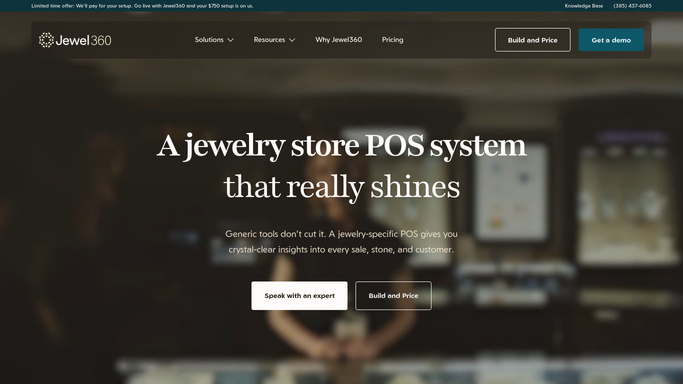
Jewel360 - find recent completed purchases
jewel360.com How to Automate Jewel360

WebRun opens Jewel360 to find recent completed purchases. - Open Jewel360 and filter sales transactions completed three to five days ago
- Capture the customer name, contact details, and the item or service purchased
- Skip any customer who has already received a review request in the last 90 days
Done when Every eligible recent purchase is identified with customer and transaction details.
-
2
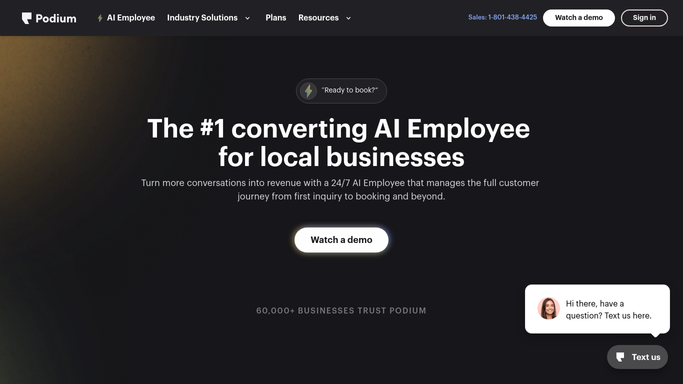
Podium - draft review request messages
podium.com How to Automate Podium
WebRun opens Podium to draft review request messages. - Draft a warm, personal review request message for each customer in Podium
- Reference the specific item they purchased to make the message feel genuine, not generic
- Include a direct link to your Google Business or preferred review platform
- Leave each message unsent in Podium for staff to review and approve before sending
Done when A personalized review request draft is ready in Podium for every qualifying customer.
-
3
Google Sheets - log outreach to avoid duplicates
google.com How to Automate Google Sheets
WebRun opens Google Sheets to log outreach to avoid duplicates. - Append each drafted request to the review outreach log with the customer name, purchase date, and draft date
- Record whether the request was sent and when, for future deduplication
- Flag any customer who has left a review in the past to avoid re-requesting
Done when The review outreach log is updated with today's batch of requests.

How do I automatically ask jewelry customers for a review after their purchase?
WebRun checks Jewel360 each morning for purchases completed three to five days ago, drafts a warm, personalized review request for each customer in Podium, and logs every outreach in Google Sheets. All messages are queued for staff approval before sending, building your store's review count consistently without manual effort.
- Review requests go out consistently within days of every purchase, not when staff remember
- Messages reference the specific item purchased, making them feel personal rather than automated
- No customer is asked twice, protecting your store's reputation
Built for retail jewelers · independent jewelry stores · jewelry store owners · jewelry store marketing teams
How is each run configured?
Secure by default
Connect once, stays signed in
WebRun signs in once and keeps each session in a persistent environment, so every run picks up right where it left off.
Every action is checked against this policy before it runs.
Questions, answered
Will it send review requests to customers on its own?
No. Every request is staged in Podium as a draft for a staff member to review and approve before it is sent. No message goes to a customer without human sign-off.
Why wait three to five days after the purchase?
That window gives the customer time to enjoy the piece and form an opinion, while the experience is still fresh. You can adjust the delay during setup if your store prefers a different cadence.
What stops a customer from being asked twice?
The Google Sheet log records every outreach. WebRun checks the log each run and skips any customer who received a review request in the last 90 days.
Related templates
Put this on autopilot.
Turn it on in minutes - or have our team set it up for you.