Bring jewelry customers back for the next occasion
Every Monday, WebRun scans Podium and Jewel360 for customers with anniversaries or birthdays in the next three weeks, drafts a warm, occasion-specific outreach message for each, and queues every message for staff review before it is sent.
- No credit card
- Under $0.01 per run
- Cancel anytime
What does WebRun do on every run?
The exact actions WebRun takes, in order - in plain language, so you can adjust anything.
-
WebRun signs in and gets to work
Opens
www.podium.comin a real browser with your saved login - no setup, no API keys. -
1
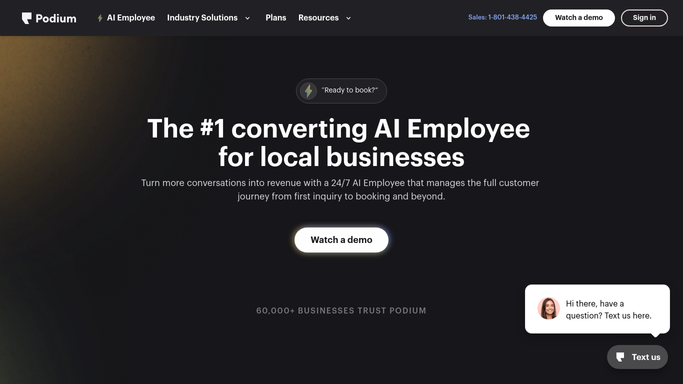
Podium - find upcoming customer occasions
podium.com How to Automate Podium

WebRun opens Podium to find upcoming customer occasions. - Open Podium and filter customer contacts for anniversaries or birthdays falling in the next 21 days
- Capture each customer's name, occasion type, occasion date, and preferred contact channel
Done when Every customer with a qualifying occasion in the next 21 days is identified.
-
2
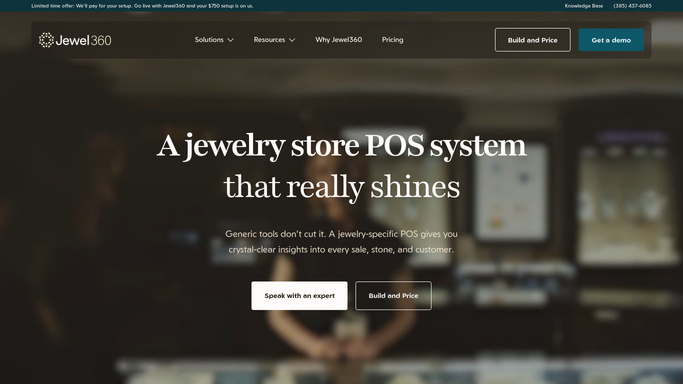
Jewel360 - pull purchase history for context
jewel360.com How to Automate Jewel360
WebRun opens Jewel360 to pull purchase history for context. - Look up each customer's purchase history in Jewel360
- Note the categories they have bought before, such as rings, bracelets, or earrings
- Identify any staff member who handled their last purchase to personalize the message
Done when Purchase context is captured for each customer to inform the outreach message.
-
3
Gmail - draft personalized occasion outreach
gmail.com How to Automate Gmail
WebRun opens Gmail to draft personalized occasion outreach. - Draft a warm, occasion-specific email for each customer, referencing the upcoming date and a relevant gift suggestion based on their purchase history
- Keep the tone warm and personal, not promotional
- Save each as a Gmail draft, unsent, for staff to review, personalize further, and send
Done when A personalized occasion outreach draft is ready for every qualifying customer.

How do I automatically reach out to jewelry customers before their anniversary or birthday?
WebRun scans Podium and Jewel360 every Monday for customers with anniversaries or birthdays in the next three weeks, then drafts a warm, personalized outreach email for each in Gmail, informed by their purchase history. Every message is queued for staff review before sending, turning occasion marketing into a consistent weekly habit.
- Customers receive a timely, personal message before every major occasion
- Staff spend no time manually scanning contact lists for upcoming dates
- Repeat visits increase as customers feel remembered and valued
Built for retail jewelers · jewelry store owners · jewelry sales associates · independent jewelers
How is each run configured?
Secure by default
Connect once, stays signed in
WebRun signs in once and keeps each session in a persistent environment, so every run picks up right where it left off.
Every action is checked against this policy before it runs.
Questions, answered
Will it send the message to customers on its own?
No. Every outreach message is saved as a Gmail draft for a staff member to review, add a personal touch, and send. Nothing reaches a customer without human approval.
What occasions does it track?
It tracks anniversaries and birthdays stored in Podium. If your store records other milestone dates, those can be added to the lookup during setup.
How does it know what to suggest for each customer?
It reads each customer's purchase history in Jewel360 and uses the categories they have bought before to shape a relevant gift suggestion in the draft.
Related templates
Put this on autopilot.
Turn it on in minutes - or have our team set it up for you.