Send spring startup reminders to every irrigation customer
Each morning in early spring, WebRun opens Kickserv, pulls every active customer due for a seasonal startup visit, drafts a personalized reminder email in Gmail for your review, and logs each contact in Google Sheets so nothing falls through the cracks.
- No credit card
- Under $0.01 per run
- Cancel anytime
What does WebRun do on every run?
The exact actions WebRun takes, in order - in plain language, so you can adjust anything.
-
WebRun signs in and gets to work
Opens
app.kickserv.comin a real browser with your saved login - no setup, no API keys. -
1
Kickserv - pull active customers due for startup
kickserv.com How to Automate Kickserv

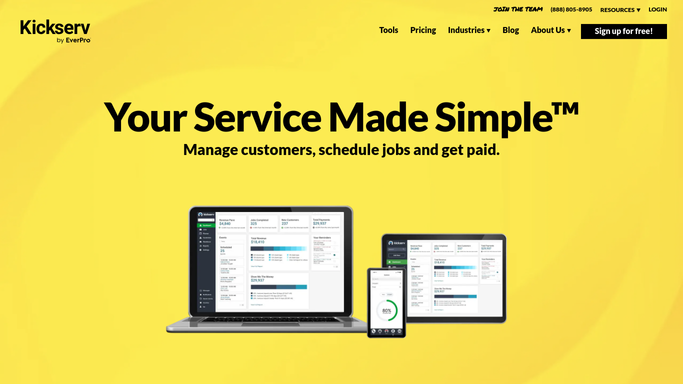
WebRun opens Kickserv to pull active customers due for startup. - Open Kickserv and navigate to the Customers list
- Filter for active accounts tagged or scheduled for spring startup service
- Capture each customer's name, address, last service date, and contact email
Done when Every active customer due for a spring startup visit is listed with their contact details.
-
2
Gmail - draft startup reminder for each customer
gmail.com How to Automate Gmail
WebRun opens Gmail to draft startup reminder for each customer. - Draft a personalized spring startup reminder email for each customer using their name and last service date
- Leave every draft unsent for your review - do not send automatically
- Flag urgent contacts (last service over 12 months ago) in the subject line
Done when A reviewed draft email exists in Gmail for every customer on the list.
-
3
Google Sheets - log outreach status for review
google.com How to Automate Google Sheets
WebRun opens Google Sheets to log outreach status for review. - Open the seasonal outreach tracking sheet
- Add a row for each customer with their name, email, last service date, and draft status
- Mark the run date so you can track response rate over time
Done when Every customer has a logged row and draft status in Google Sheets.


How do I automatically send spring irrigation startup reminders to my customers?
WebRun opens Kickserv each morning in early spring, pulls every active customer due for a seasonal startup visit, and drafts a personalized reminder in Gmail for your review before anything is sent. It logs every contact in Google Sheets so you have a clear outreach tracker and no customer is missed.
- Every active customer gets a timely spring startup reminder with no manual list-building
- Drafts are queued for review so no message goes out without approval
- Google Sheets log shows outreach status across your entire customer base
Built for irrigation contractors · landscape irrigation companies · sprinkler system services · field service businesses
How is each run configured?
Secure by default
Connect once, stays signed in
WebRun signs in once and keeps each session in a persistent environment, so every run picks up right where it left off.
Every action is checked against this policy before it runs.
Questions, answered
Will it send emails to customers without my approval?
No. WebRun drafts every reminder in Gmail and leaves it unsent. You review and send each one yourself, so no message goes out without your sign-off.
How does it know which customers need a spring startup?
It reads your active customer list in Kickserv and filters for accounts due for seasonal service based on tags, job history, or last service date - whichever signal you configure.
What if a customer already booked their startup?
It checks Kickserv for existing scheduled jobs before adding someone to the draft list, so customers who already have an upcoming appointment are skipped automatically.
Related templates
Put this on autopilot.
Turn it on in minutes - or have our team set it up for you.