Get a daily read on your collections pipeline
Every morning, WebRun checks Invoiced for accounts moving through your collections stages, archives the latest statement to Google Drive, and posts the summary to Slack.
- No credit card
- Under $0.01 per run
- Cancel anytime
How do I get a daily summary of my Invoiced collections pipeline?
WebRun checks Invoiced every morning for accounts that moved through a collections stage in the last day, then posts a Slack summary of the movement, the total balance in collections, and anything nearing final notice. It also archives the day's statement export to Google Drive, so your team starts the day with a clear collections picture.
- Collections movement is visible every morning without opening Invoiced
- Accounts nearing final notice get flagged before it's too late
- Statement exports are archived automatically for reference
Built for B2B finance teams · collections managers · controllers · AR analysts
What does WebRun do on every run?
The exact actions WebRun takes, in order - in plain language, so you can adjust anything.
-
WebRun signs in and gets to work
Opens
invoiced.comin a real browser with your saved login - no setup, no API keys. -
1
Invoiced - check accounts moving through collections
invoiced.com
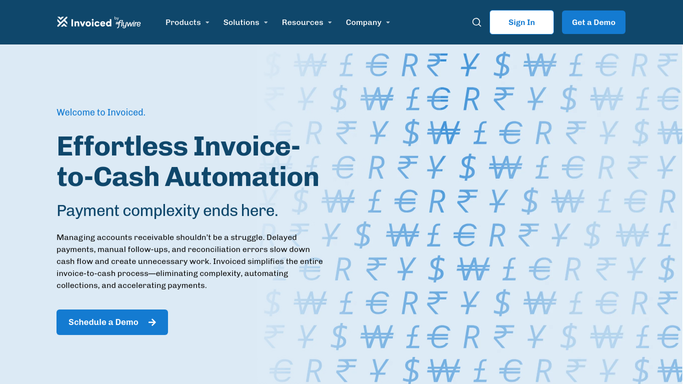
WebRun opens Invoiced to check accounts moving through collections. - Open Invoiced and check which accounts moved to a new collections stage since yesterday
- Note the balance and stage for each
- Flag any account approaching your final notice stage
Done when Every account that changed stage in the last day is listed.
-
2
Google Drive - archive the statement to Drive
drive.google.com How to Automate Google Drive

WebRun opens Google Drive to archive the statement to Drive. - Save a copy of the latest account statement export to your collections folder
- Name the file with today's date
- Keep the last 30 days of statements for reference
Done when Today's statement export is archived in Drive.
-
3
Slack - post the summary to Slack
slack.com How to Automate Slack

WebRun opens Slack to post the summary to Slack. - Post how many accounts moved stage, total balance in collections, and anything nearing final notice
- Keep the message to a few lines
- Link to Invoiced for anyone who wants the full detail
Done when The finance channel has this morning's collections summary.
How is each run configured?
Secure by default
Connect once, stays signed in
WebRun signs in once and keeps each session in a persistent environment, so every run picks up right where it left off.
Every action is checked against this policy before it runs.
Questions, answered
Does it change an account's collections stage?
No. It only reads Invoiced's current stages and reports on what changed. Moving an account through dunning is still handled inside Invoiced.
What counts as approaching final notice?
Any account one stage away from your final collections step, based on Invoiced's own stage settings.
Does it contact the customer?
No. This is an internal summary for your team only. It never emails or messages a customer on its own.
Related templates
Put this on autopilot.
Turn it on in minutes - or have our team set it up for you.