Turn Omnicell diversion analytics into a nightly review queue
Every night, WebRun opens Omnicell, reviews the diversion analytics flags generated across every user, cabinet, and drug that day, adds each new anomaly to a running Google Sheet review queue with the pattern that triggered it, and posts the diversion committee a Slack summary of what needs review.
- No credit card
- Under $0.01 per run
- Cancel anytime
What does WebRun do on every run?
The exact actions WebRun takes, in order - in plain language, so you can adjust anything.
-
WebRun signs in and gets to work
Opens
www.omnicell.comin a real browser with your saved login - no setup, no API keys. -
1
Omnicell - surface diversion analytics anomalies
omnicell.com How to Automate Omnicell

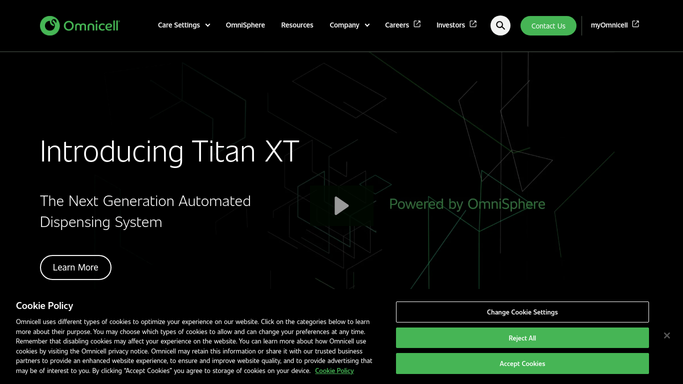
WebRun opens Omnicell to surface diversion analytics anomalies. - Open Omnicell and pull the diversion analytics flags generated in the past 24 hours
- Capture the user, cabinet, drug, and the specific pattern that triggered each flag, such as after-hours access or repeated overrides
- Exclude anomalies already marked resolved in a prior review
Done when Every new diversion analytics anomaly from the past 24 hours is captured with its trigger pattern.
-
2
Google Sheets - queue each anomaly for review
google.com How to Automate Google Sheets
WebRun opens Google Sheets to queue each anomaly for review. - Open the Diversion Review Queue sheet
- Add a row per new anomaly with the user's initials, cabinet, drug, pattern, and a status of Open
- Leave the investigation notes and resolution columns for the committee to fill in
Done when Every new anomaly is queued with Open status, ready for the committee to investigate.
-
3
Slack - summarize new anomalies for the committee
slack.com How to Automate Slack
WebRun opens Slack to summarize new anomalies for the committee. - Post a summary to the diversion committee's Slack channel of how many new anomalies were added and the top pattern types
- Link to the Google Sheet queue for the full detail
- Skip the post on nights with no new anomalies
Done when The diversion committee has a Slack summary of tonight's new anomalies, or no message on a quiet night.


How do I turn Omnicell diversion analytics flags into a queue my committee can review?
WebRun reviews Omnicell's diversion analytics flags every night across every user, cabinet, and drug, and adds each new anomaly, such as after-hours access or repeated overrides, to a Google Sheet review queue with the trigger pattern noted. It posts the diversion committee a Slack summary of what's new, so investigations start from one prioritized queue instead of scattered reports.
- The committee works from one prioritized queue instead of hunting through Omnicell reports
- Every anomaly is queued with its trigger pattern so investigations start with context
- Resolved anomalies never resurface, so the queue only ever holds genuinely new items
Built for diversion prevention committees · pharmacy compliance officers · hospital pharmacy directors · risk management teams
How is each run configured?
Secure by default
Connect once, stays signed in
WebRun signs in once and keeps each session in a persistent environment, so every run picks up right where it left off.
Every action is checked against this policy before it runs.
Questions, answered
Does it report anyone to HR or law enforcement automatically?
No. WebRun only queues the anomaly for your diversion committee to investigate. Any personnel action, regulatory report, or law enforcement contact is a decision your committee makes, never something WebRun does on its own.
What counts as an anomaly?
Any pattern Omnicell's diversion analytics flags as unusual for that user or cabinet, such as after-hours access, a high rate of overrides, or activity that doesn't match the patient's order. WebRun queues the flag, it doesn't decide guilt.
Will the same anomaly get queued twice?
No. Anomalies already marked resolved in a prior review are excluded, so the committee only ever sees genuinely new items to investigate.
Related templates
Put this on autopilot.
Turn it on in minutes - or have our team set it up for you.