Never let your posting queue run dry
Every morning, WebRun opens Hootsuite, counts the scheduled posts left on each social account, checks your Google Drive content folder for approved assets still waiting to be scheduled, and messages you on Telegram when any channel has fewer days of runway than you want.
- No credit card
- Under $0.01 per run
- Cancel anytime
How do I know when my social media queue is about to run out?
WebRun opens Hootsuite every morning and counts the scheduled posts left on each of your social channels. It checks your approved Google Drive content folder for assets ready to go, then messages you on Telegram whenever a channel drops below your runway threshold, so your queue never quietly runs dry.
- You find out about an empty queue days early, not the morning it happens
- Approved assets stop sitting unused in Drive
- Quiet channels stay quiet in your alerts, so the warning still means something
Built for social media managers · marketing agencies · content teams · small business owners
What does WebRun do on every run?
The exact actions WebRun takes, in order - in plain language, so you can adjust anything.
-
WebRun signs in and gets to work
Opens
hootsuite.com/loginin a real browser with your saved login - no setup, no API keys. -
1
Hootsuite - count scheduled posts left
hootsuite.com
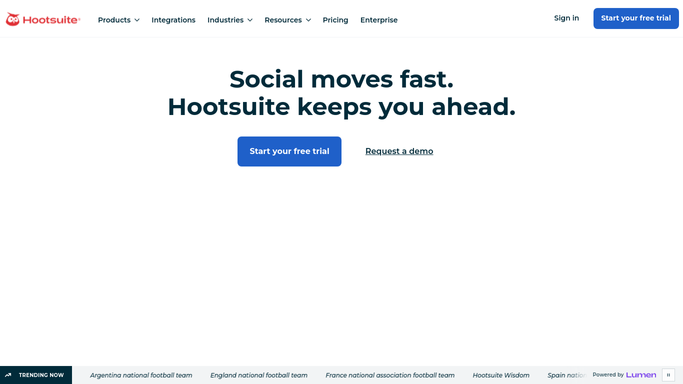
WebRun opens Hootsuite to count scheduled posts left. - Open Hootsuite and go to the Planner
- Count the scheduled posts remaining on each connected social account
- Work out how many days of runway that leaves at your normal posting rate
- Note any account whose next scheduled post is more than a day away
Done when Every connected account has a days-of-runway number.
-
2
Google Drive - check approved assets waiting
drive.google.com How to Automate Google Drive

WebRun opens Google Drive to check approved assets waiting. - Open your approved content folder in Google Drive
- List the assets and captions marked ready but not yet scheduled
- Match each asset to the channel it was made for
- Note the folder's oldest ready asset so nothing sits unused
Done when You know exactly what approved content is available to fill the gap.
-
3
Telegram - warn you before the queue empties
telegram.org How to Automate Telegram

WebRun opens Telegram to warn you before the queue empties. - Message you on Telegram with each channel's remaining runway
- Only raise a warning for channels below your threshold, usually three days
- List the ready Drive assets that could fill each gap
- Stay quiet when every channel is comfortably stocked
Done when You have been warned about every thinning channel, with the assets to fix it.
How is each run configured?
Secure by default
Connect once, stays signed in
WebRun signs in once and keeps each session in a persistent environment, so every run picks up right where it left off.
Every action is checked against this policy before it runs.
Questions, answered
Will it schedule or publish posts for me?
No. WebRun only counts what is already queued and tells you what is running low. It never schedules, edits, or publishes a post. Putting content into the queue stays your call.
How many days of runway should I set?
Three days is the common default and it is fully adjustable per channel, so a daily Instagram account and a weekly LinkedIn page can carry different thresholds.
What if a channel is fully stocked?
You hear nothing about it. WebRun only messages you about channels below your threshold, so the Telegram alert stays a real signal rather than daily noise.
Related templates
Put this on autopilot.
Turn it on in minutes - or have our team set it up for you.