Chase unanswered Heymarket customer texts
Every hour, WebRun opens the Heymarket team inbox, finds customer texts that have gone unanswered past your response time SLA, posts a Teams alert naming the conversation and the assigned rep, and blocks a short follow-up slot on that rep's Google Calendar so the reply does not keep slipping.
- No credit card
- Under $0.01 per run
- Cancel anytime
What does WebRun do on every run?
The exact actions WebRun takes, in order - in plain language, so you can adjust anything.
-
WebRun signs in and gets to work
Opens
heymarket.comin a real browser with your saved login - no setup, no API keys. -
1
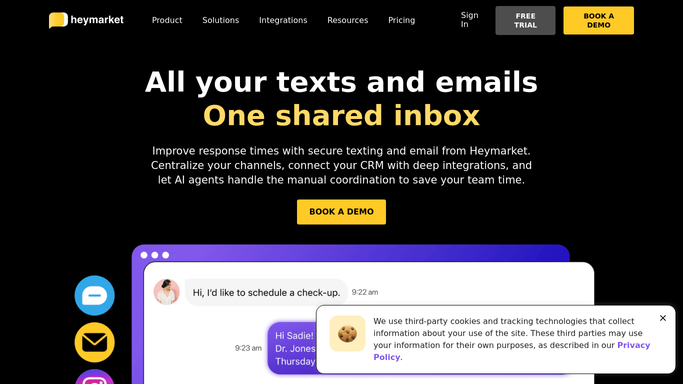
Heymarket - find unanswered texts
heymarket.com

WebRun opens Heymarket to find unanswered texts. - Open the Heymarket team inbox
- Filter to conversations with an unanswered customer text
- Find any past your response time SLA and note the assigned rep
Done when Every conversation past its SLA is listed with its assigned rep.
-
2
Microsoft Teams - alert on the SLA miss
microsoft.com How to Automate Microsoft Teams
WebRun opens Microsoft Teams to alert on the SLA miss. - Post a Teams alert naming each conversation past SLA and its rep
- Sort by longest waiting first
- Tag the rep directly in the alert
Done when The team has a Teams alert for every conversation past SLA.
-
3
Google Calendar - block a reply slot
calendar.google.com How to Automate Google Calendar
WebRun opens Google Calendar to block a reply slot. - Open the assigned rep's Google Calendar
- Block a 15 minute reply slot within the next two hours
- Title the hold with the customer's name for context
Done when A reply slot exists on the rep's calendar for each conversation past SLA.


How do I make sure unanswered Heymarket texts get a timely reply?
WebRun checks the Heymarket team inbox every hour for customer texts unanswered past your response time SLA, posts a Teams alert naming the conversation and its assigned rep, and blocks a short follow-up slot on that rep's Google Calendar. Replies stop slipping through a busy shared inbox unnoticed.
- No customer text goes unanswered past your SLA unnoticed
- Reps get a scheduled slot instead of an open ended backlog
- SLA misses get flagged within the hour they happen
Built for customer support teams · sales teams using business texting · retail and service businesses · team inbox managers
How is each run configured?
Secure by default
Connect once, stays signed in
WebRun signs in once and keeps each session in a persistent environment, so every run picks up right where it left off.
Every action is checked against this policy before it runs.
Questions, answered
Does it reply to the customer for me?
No. WebRun never sends a text on your behalf. It only alerts the team and blocks time for the assigned rep to reply personally.
How is the SLA defined?
By the response time window you set during setup. Only conversations that have actually passed that window get flagged.
What if the rep already replied after the check ran?
The next hourly check reads the inbox fresh, so a conversation that has since been answered will not appear again.
Related templates
Put this on autopilot.
Turn it on in minutes - or have our team set it up for you.