Follow up on every open equipment quote without lifting a finger
Every morning, WebRun opens e-Emphasys, finds quotes that have had no activity in three or more days, drafts a personalized follow-up email for each one in Gmail, and logs the outreach to a Google Sheet so nothing falls through the cracks.
- No credit card
- Under $0.01 per run
- Cancel anytime
What does WebRun do on every run?
The exact actions WebRun takes, in order - in plain language, so you can adjust anything.
-
WebRun signs in and gets to work
Opens
e-emphasys.com/home/solutionsin a real browser with your saved login - no setup, no API keys. -
1
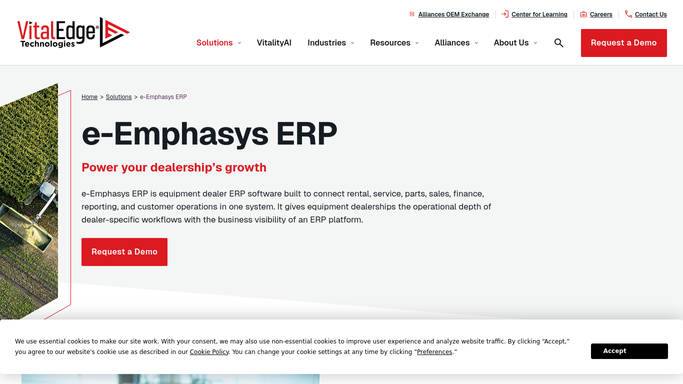
e-Emphasys - find quotes with no activity
e-emphasys.com How to Automate e-Emphasys

WebRun opens e-Emphasys to find quotes with no activity. - Open e-Emphasys and navigate to the open quotes list
- Filter to quotes with no activity in 3 or more days
- Capture the customer name, equipment description, quote value, and sales rep
Done when All stale open quotes are listed with their details.
-
2
Gmail - draft follow-up emails for review
gmail.com How to Automate Gmail
WebRun opens Gmail to draft follow-up emails for review. - For each stale quote, draft a short, personalized follow-up email referencing the quoted equipment and value
- Address the email to the customer contact from e-Emphasys
- Save each email as a Gmail draft, not sent, for the rep to review and approve
Done when A draft follow-up email sits in Gmail for every stale quote, ready for rep review.
-
3
Google Sheets - log outreach for tracking
google.com How to Automate Google Sheets
WebRun opens Google Sheets to log outreach for tracking. - Append a row for each draft created, noting the customer, quote value, and date
- Mark whether a draft was created or skipped (already followed up this week)
Done when Outreach log is updated with today's draft count.


How do I automatically follow up on open equipment quotes?
WebRun scans e-Emphasys every morning for equipment quotes that have had no activity in three or more days, drafts a personalized follow-up email for each one in Gmail, and logs every outreach in Google Sheets. Emails are saved as drafts for rep approval before anything reaches the customer.
- Every stale quote gets a follow-up draft ready in Gmail each morning
- Reps spend seconds reviewing and sending, not writing from scratch
- No open quote goes more than three days without attention
Built for heavy equipment dealers · construction equipment sales reps · equipment rental sales teams
How is each run configured?
Secure by default
Connect once, stays signed in
WebRun signs in once and keeps each session in a persistent environment, so every run picks up right where it left off.
Every action is checked against this policy before it runs.
Questions, answered
Will it send the follow-up emails automatically?
No. Every follow-up is saved as a Gmail draft for your rep to review and send. Nothing goes to a customer without a human approving it first.
How does it know what to write?
It uses the customer name, equipment description, and quote value from e-Emphasys to personalize each draft. You can supply a tone or a sample email and WebRun will match your voice.
What if a quote was already followed up recently?
It checks the outreach log in Google Sheets before drafting, so any quote that already got a follow-up this week is skipped.
Related templates
Put this on autopilot.
Turn it on in minutes - or have our team set it up for you.