Catch service exceptions and warranty anomalies before they escalate
Every morning, WebRun scans e-Emphasys for service exceptions including repeat repairs on the same equipment serial number, parts costs above threshold, and warranty claims flagged for unusual patterns, then posts a Slack alert to the service manager and logs each exception in Google Sheets.
- No credit card
- Under $0.01 per run
- Cancel anytime
What does WebRun do on every run?
The exact actions WebRun takes, in order - in plain language, so you can adjust anything.
-
WebRun signs in and gets to work
Opens
e-emphasys.com/home/solutionsin a real browser with your saved login - no setup, no API keys. -
1
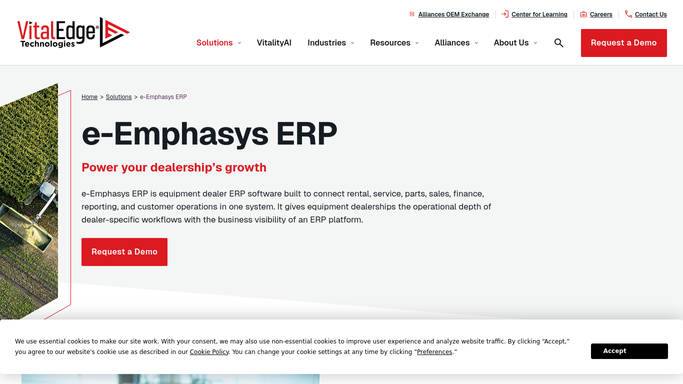
e-Emphasys - scan for service and warranty exceptions
e-emphasys.com How to Automate e-Emphasys

WebRun opens e-Emphasys to scan for service and warranty exceptions. - Open e-Emphasys Service and Warranty modules
- Check for any unit with two or more work orders opened in the last 30 days for the same fault code
- Flag work orders with parts costs more than 50 percent above the historical average for that repair type
- Identify warranty claims submitted outside the standard approval window or flagged for manual review
Done when All service and warranty exceptions from the last 24 hours are identified.
-
2
Google Sheets - log all exceptions for tracking
google.com How to Automate Google Sheets
WebRun opens Google Sheets to log all exceptions for tracking. - Append each exception to the service exception log in Google Sheets
- Record the unit serial number, exception type, work order number, and date
Done when All exceptions are logged in Google Sheets for record-keeping and trend review.
-
3
Slack - alert service manager on exceptions
slack.com How to Automate Slack
WebRun opens Slack to alert service manager on exceptions. - Post a Slack alert to the service manager channel listing each exception from the last 24 hours
- Group exceptions by type: repeat repairs, high parts cost, and warranty anomalies
- If no exceptions are found, post a brief clear-status message
Done when Service manager has the day's exception alerts in Slack.


How do I get automatic alerts for service exceptions and warranty anomalies at my equipment dealership?
WebRun scans e-Emphasys every morning for service exceptions including repeat repairs on the same unit, parts costs above historical averages, and warranty claims outside normal approval windows. Each exception is logged in Google Sheets and posted to your service manager's Slack channel so problems are caught the same day they appear.
- Service exceptions are surfaced the morning after they appear, not days later
- Repeat repairs on the same unit are caught before warranty or goodwill costs escalate
- A running Google Sheets log enables monthly trend review and OEM reporting
Built for heavy equipment dealers · equipment dealer service managers · warranty administrators
How is each run configured?
Secure by default
Connect once, stays signed in
WebRun signs in once and keeps each session in a persistent environment, so every run picks up right where it left off.
Every action is checked against this policy before it runs.
Questions, answered
Does it close or update work orders automatically?
No. WebRun only reads e-Emphasys records and posts an internal Slack alert. Your service manager decides how to respond to each exception.
How does it define a high parts cost?
It compares each work order's parts total to the historical average for the same repair type in e-Emphasys and flags anything more than 50 percent above that average. You can adjust the threshold during setup.
What if the same exception fires every day for an ongoing repair?
You can mark an exception as acknowledged in the Google Sheets log and WebRun will suppress further alerts for that work order until the job is closed or the status changes.
Related templates
Put this on autopilot.
Turn it on in minutes - or have our team set it up for you.