Catch a Heap conversion drop before it costs you
Every hour, WebRun opens Heap, checks your key funnel's conversion rate against its trailing 7-day baseline, texts you through Twilio the moment it drops meaningfully, and exports the underlying event data for the affected step to Google Drive.
- No credit card
- Under $0.01 per run
- Cancel anytime
What does WebRun do on every run?
The exact actions WebRun takes, in order - in plain language, so you can adjust anything.
-
WebRun signs in and gets to work
Opens
heap.ioin a real browser with your saved login - no setup, no API keys. -
1
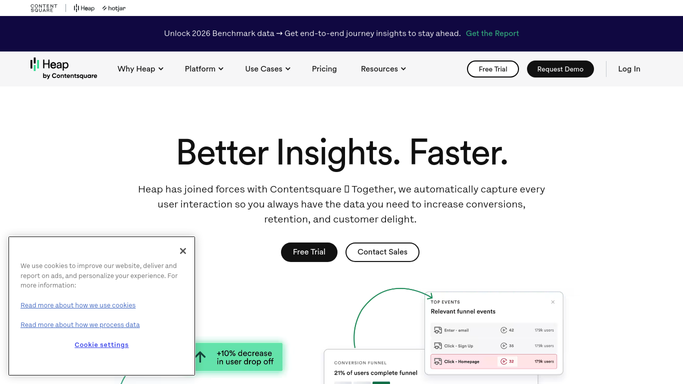
Heap - check the funnel's conversion rate
heap.io

WebRun opens Heap to check the funnel's conversion rate. - Open Heap and check the conversion rate for your key funnel
- Compare it to the trailing 7-day baseline
- Note the step where the drop is sharpest
Done when The key funnel's conversion rate has been checked against baseline.
-
2
Twilio - text on a drop
twilio.com How to Automate Twilio
WebRun uses Twilio to text on a drop. - Send a text the moment conversion drops meaningfully below baseline
- Name the funnel and the step with the sharpest drop
Done when A text has gone out for every meaningful drop.
-
3
Google Drive - export the underlying event data
drive.google.com How to Automate Google Drive
WebRun opens Google Drive to export the underlying event data. - Export the underlying event data for the affected step to the shared Drive folder
- Name the file with the funnel and the timestamp
Done when The underlying event data for every drop is saved to Drive.


How do I get alerted when my Heap funnel conversion rate drops?
WebRun checks your key Heap funnel's conversion rate every hour against its trailing 7-day baseline. The moment it drops meaningfully, it texts you through Twilio naming the funnel and the step with the sharpest drop, and exports the underlying event data to Google Drive, so a real regression gets caught with the data to debug it already in hand.
- Conversion drops get caught within the hour, not at next review
- Every alert comes with the event data already exported for debugging
- Ordinary variation stays quiet, so texts stay meaningful
Built for product teams · growth teams · product analysts · engineering teams
How is each run configured?
Secure by default
Connect once, stays signed in
WebRun signs in once and keeps each session in a persistent environment, so every run picks up right where it left off.
Every action is checked against this policy before it runs.
Questions, answered
Will it change the product or the funnel based on a drop?
No. WebRun only detects and reports the drop. Investigating the cause or shipping a fix is left to your product team.
How big does a drop have to be to trigger a text?
Conversion has to fall meaningfully below your trailing 7-day baseline before it triggers a Twilio text, so ordinary hour-to-hour variation doesn't page you.
What data is in the Drive export?
The underlying event data for the step where the drop is sharpest, so your team can start debugging with real data instead of just a percentage.
Related templates
Put this on autopilot.
Turn it on in minutes - or have our team set it up for you.