Keep arrive-and-drive members from lapsing
Every morning, WebRun reads your RaceFacer members, finds arrive-and-drive memberships expiring in the next two weeks, and drafts a personal renewal reminder in Gmail with the expiry date and renewal price, then leaves it for staff to review and send so members renew before they lapse.
- No credit card
- Under $0.01 per run
- Cancel anytime
What does WebRun do on every run?
The exact actions WebRun takes, in order - in plain language, so you can adjust anything.
-
WebRun signs in and gets to work
Opens
www.racefacer.com/enin a real browser with your saved login - no setup, no API keys. -
1
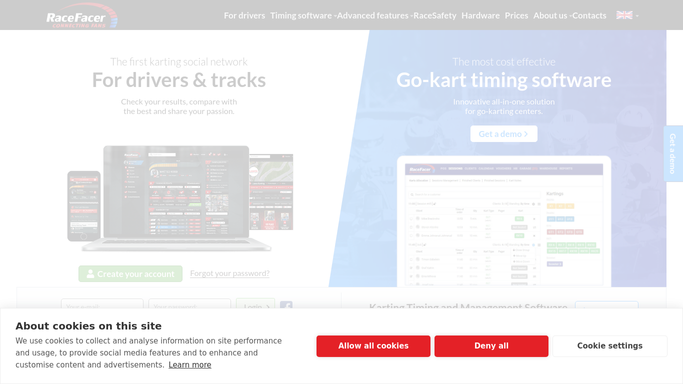
RaceFacer - find expiring memberships
racefacer.com How to Automate RaceFacer

WebRun opens RaceFacer to find expiring memberships. - Open RaceFacer and list arrive-and-drive members with an expiry date in the next two weeks
- Capture each member's name, email, tier, and expiry date
- Skip anyone who has already renewed for the coming period
Done when Every soon-to-expire membership is listed with its details.
-
2
Gmail - draft the renewal reminder
gmail.com How to Automate Gmail
WebRun opens Gmail to draft the renewal reminder. - Draft a warm renewal reminder for each member with their expiry date and renewal price
- Mention their tier's perks and how to renew at the desk or online
- Leave each email as a draft for staff to review and send, so nothing goes out on its own
Done when A renewal reminder is drafted for every expiring member.

How do I remind arrive-and-drive members to renew before they lapse?
WebRun keeps arrive-and-drive members from lapsing. Each morning it reads your RaceFacer members, finds memberships expiring in the next two weeks, and drafts a personal renewal reminder in Gmail with the expiry date, tier perks, and renewal price, then leaves it for staff to review and send.
- Members renew before their access lapses
- Every reminder names the real expiry date and price
- Staff send personal nudges without combing the member list
Built for go-kart tracks · karting centers · membership programs · front-desk teams
How is each run configured?
Secure by default
Connect once, stays signed in
WebRun signs in once and keeps each session in a persistent environment, so every run picks up right where it left off.
Every action is checked against this policy before it runs.
Questions, answered
Will it email members automatically?
No. Each renewal reminder is drafted in Gmail and left for staff to review and send, so nothing reaches a member until a person approves it.
How far ahead does it remind members?
By default it looks two weeks ahead, and you can change the window. WebRun only drafts reminders for members whose expiry date falls inside it on the live RaceFacer records.
Does it skip members who already renewed?
Yes. WebRun reads the live membership status in RaceFacer each morning, so anyone who has already renewed for the coming period is left off the list.
Related templates
Put this on autopilot.
Turn it on in minutes - or have our team set it up for you.