Win back drivers who just missed the track record
Every Monday, WebRun reviews the past week of RaceFacer results, finds drivers whose fastest lap sat within a whisker of the track or class record, and drafts a personal rebooking nudge in Mailchimp telling them how close they were and inviting them to come back and take it, then leaves it for staff to send.
- No credit card
- Under $0.01 per run
- Cancel anytime
What does WebRun do on every run?
The exact actions WebRun takes, in order - in plain language, so you can adjust anything.
-
WebRun signs in and gets to work
Opens
www.racefacer.com/enin a real browser with your saved login - no setup, no API keys. -
1
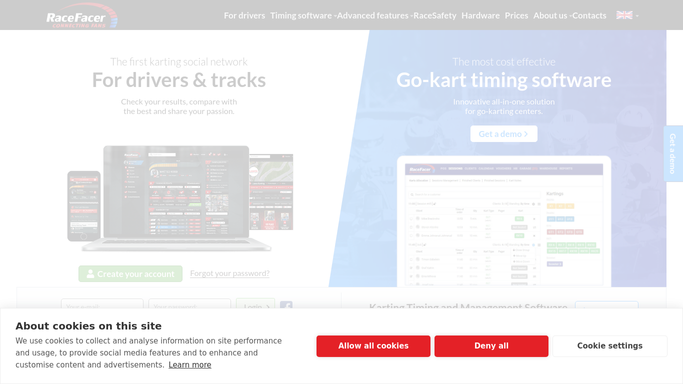
RaceFacer - find near-record laps
racefacer.com How to Automate RaceFacer

WebRun opens RaceFacer to find near-record laps. - Open the RaceFacer results for the past week
- Compare each driver's fastest lap against the current track and class records
- Capture drivers who finished within your close margin but did not take the record
Done when Every near-record driver from the week is identified with their gap.
-
2
Mailchimp - draft the rebooking nudge
mailchimp.com How to Automate Mailchimp
WebRun opens Mailchimp to draft the rebooking nudge. - Draft a personal email for each near-record driver noting how close they came
- Invite them to book another session to chase the record, with a light incentive if you offer one
- Leave the email as a draft for staff to review and send, so nothing goes out on its own
Done when A rebooking nudge is drafted for each near-record driver.

How do I rebook go-kart drivers who narrowly missed a track record?
WebRun wins back drivers who just missed a record. Every Monday it scans the past week of RaceFacer results, finds drivers whose fastest lap sat within your margin of the track or class record, and drafts a personal rebooking nudge in Mailchimp inviting them back to take it, then leaves it for staff to send.
- Near misses turn into repeat bookings
- Every nudge names a real lap and exact gap to the record
- Staff send targeted invites instead of blanket promos
Built for go-kart tracks · karting centers · marketing teams · arrive and drive venues
How is each run configured?
Secure by default
Connect once, stays signed in
WebRun signs in once and keeps each session in a persistent environment, so every run picks up right where it left off.
Every action is checked against this policy before it runs.
Questions, answered
Will it email drivers automatically?
No. Each rebooking nudge is drafted in Mailchimp and left for staff to review and send, so nothing reaches a driver until a person approves it.
How close counts as near-record?
You set the margin, for example within half a second of the track or class record. WebRun only nudges drivers whose fastest lap fell inside that gap in the past week.
How is this different from a generic promo?
It is personal. Each email names the driver's actual lap and exact gap to the record from RaceFacer, which is far more compelling than a blanket come-back-and-race blast.
Related templates
Put this on autopilot.
Turn it on in minutes - or have our team set it up for you.