Get a daily digest of your Ghost Inspector test runs
Every morning, WebRun opens Ghost Inspector, reviews the last 24 hours of scheduled test suite runs, posts a Microsoft Teams summary of pass and fail counts, and creates a Trello card for any test that started failing, so UI regressions get tracked instead of just logged.
- No credit card
- Under $0.01 per run
- Cancel anytime
What does WebRun do on every run?
The exact actions WebRun takes, in order - in plain language, so you can adjust anything.
-
WebRun signs in and gets to work
Opens
app.ghostinspector.com/loginin a real browser with your saved login - no setup, no API keys. -
1
Ghost Inspector - review test suite runs
ghostinspector.com

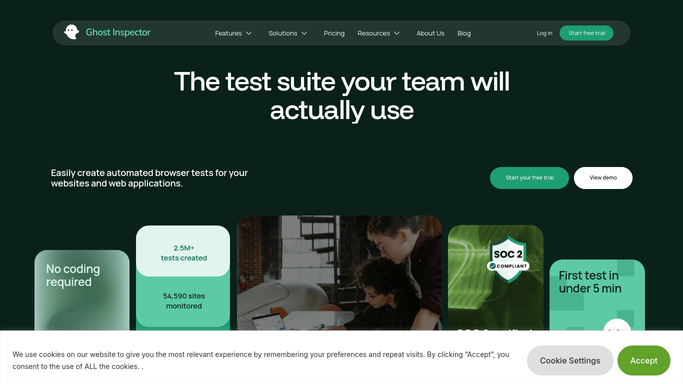
WebRun opens Ghost Inspector to review test suite runs. - Open Ghost Inspector and review scheduled test suite runs from the last 24 hours
- Count how many tests passed and failed per suite
- Identify any test that passed yesterday but is failing today
Done when Yesterday's test results are recorded per suite with any newly failing test identified.
-
2
Microsoft Teams - post the daily digest
microsoft.com How to Automate Microsoft Teams
WebRun opens Microsoft Teams to post the daily digest. - Post the daily digest to the QA channel in Microsoft Teams
- List pass and fail counts per suite
- Name any newly failing test
Done when The team has today's Ghost Inspector test digest in Teams.
-
3
Trello - create a card for new failures
trello.com How to Automate Trello
WebRun opens Trello to create a card for new failures. - Open the UI Test Failures Trello board
- Create a card for each newly failing test with a link to its Ghost Inspector recording
- Place it in the To Investigate column
Done when A Trello card exists for every test that started failing today.


How do I get a daily summary of my Ghost Inspector test results?
WebRun reviews Ghost Inspector's scheduled test runs every morning, posting a Microsoft Teams digest of pass and fail counts per suite. Any test that just flipped from passing to failing also gets a Trello card with a link to the recording, so a UI regression is tracked from the moment it is caught instead of sitting in a test log.
- The team starts the day already knowing what passed and what broke
- New UI regressions get a tracked card instead of just a log entry
- Ongoing known failures do not create duplicate noise on the board
Built for QA teams · frontend engineering teams · release engineers · product teams
How is each run configured?
Secure by default
Connect once, stays signed in
WebRun signs in once and keeps each session in a persistent environment, so every run picks up right where it left off.
Every action is checked against this policy before it runs.
Questions, answered
Will WebRun fix the UI issue that broke the test?
No. It only reports the failure and tracks it on a card. Investigating and fixing the underlying UI change stays with your engineering team.
Does it create a new card for a test that is already known to be failing?
No. A card is only created the first time a test flips from passing to failing, so the board does not fill with duplicates for the same ongoing issue.
Can it cover more than one test suite?
Yes. It reports on every scheduled suite you connect it to, all in the same daily digest.
Related templates
Put this on autopilot.
Turn it on in minutes - or have our team set it up for you.